
The platform for scientific conferences and associations
Participants have the program on their smartphones, watch talks live or later as recordings, and find contributions and researchers. We set up the platform for your conference and support it from submission to follow-up, with a team and technical equipment on site.
Associations also manage memberships and committees on the same platform.
For scientific conferences In person · Hybrid · Online
Program, favorites and a personal daily schedule
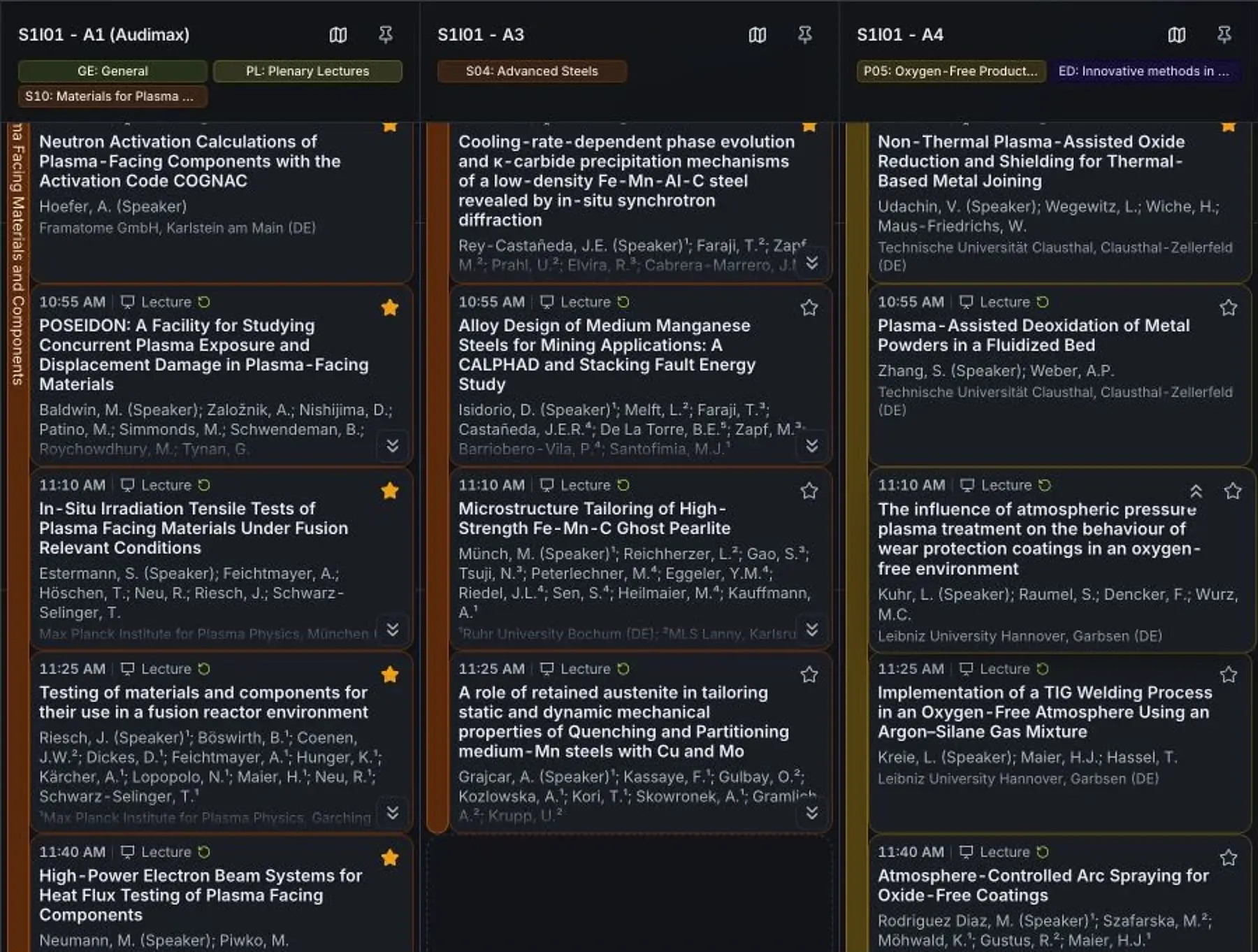
Find talks, follow sessions and plan your day. The web app connects times, rooms, abstracts and the people behind each contribution.
Favorites appear in "My day". Personal reminders guide you to the next talk or directly to the room on the venue map.
From the program to a conversation after the talk
Search by topic, person or institution and open the matching contribution.
The abstract, authors, location and time are attached to the contribution. Saving a talk as a favorite adds it to your daily schedule.
“My day” combines favorites and your own tasks. Your talk is marked with its time, room and your role as speaker.
The schedule shows parallel sessions side by side. Switch between list view, schedule and your personal day.
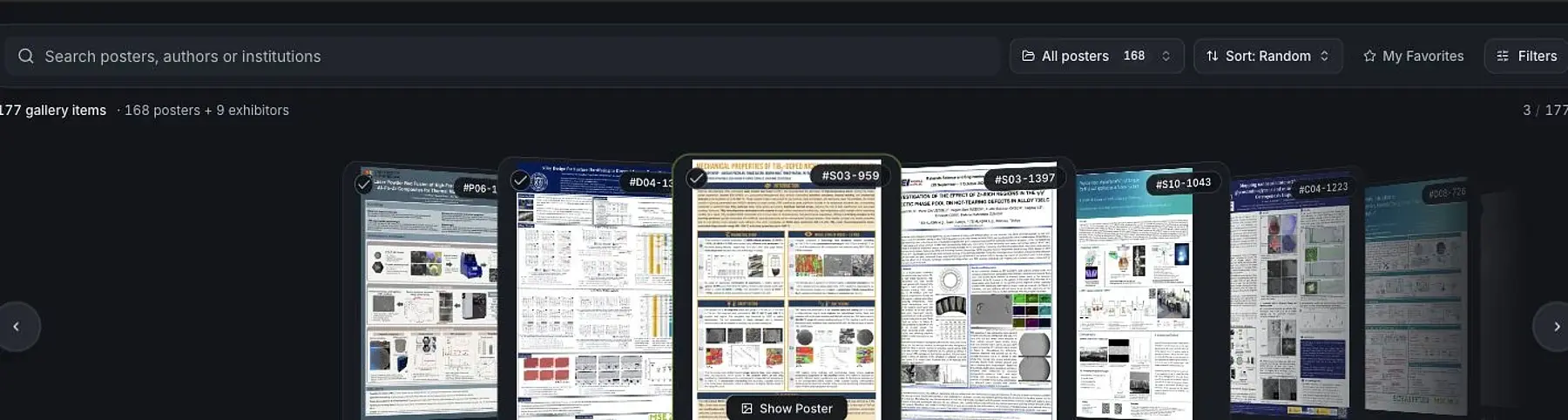
The poster gallery offers topic filters and posters you can enlarge. Participants can also vote when enabled.
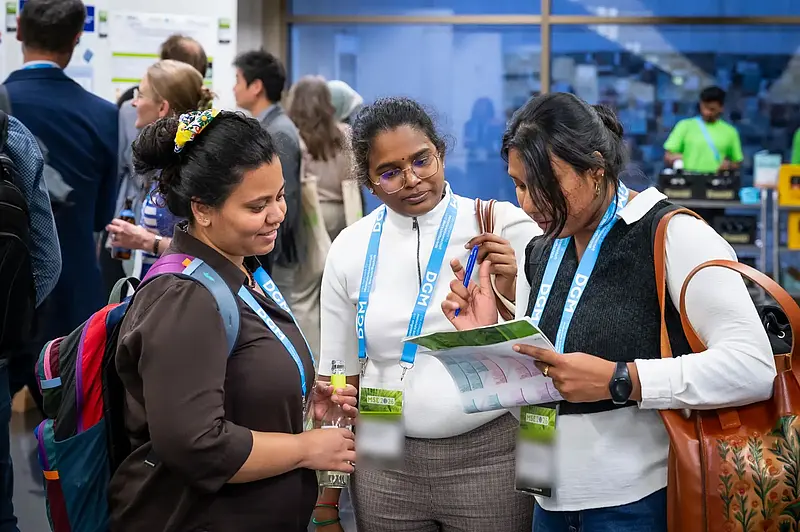
“My attendance” contains your personal self check-in code. On site, it is used to print your name badge.
Open a released stream directly from the program. Recordings are available with the contribution once released.
Ask questions with the contribution and find other participants through their profiles. Contact requests and chats support personal conversations.
Illustration based on the web app. People, program and code are fictional; features and access are enabled for each event.
Stream talks live from parallel rooms
Your conference runs in several rooms at once. We stream the talks in parallel and make each stream directly accessible through the scientific program.
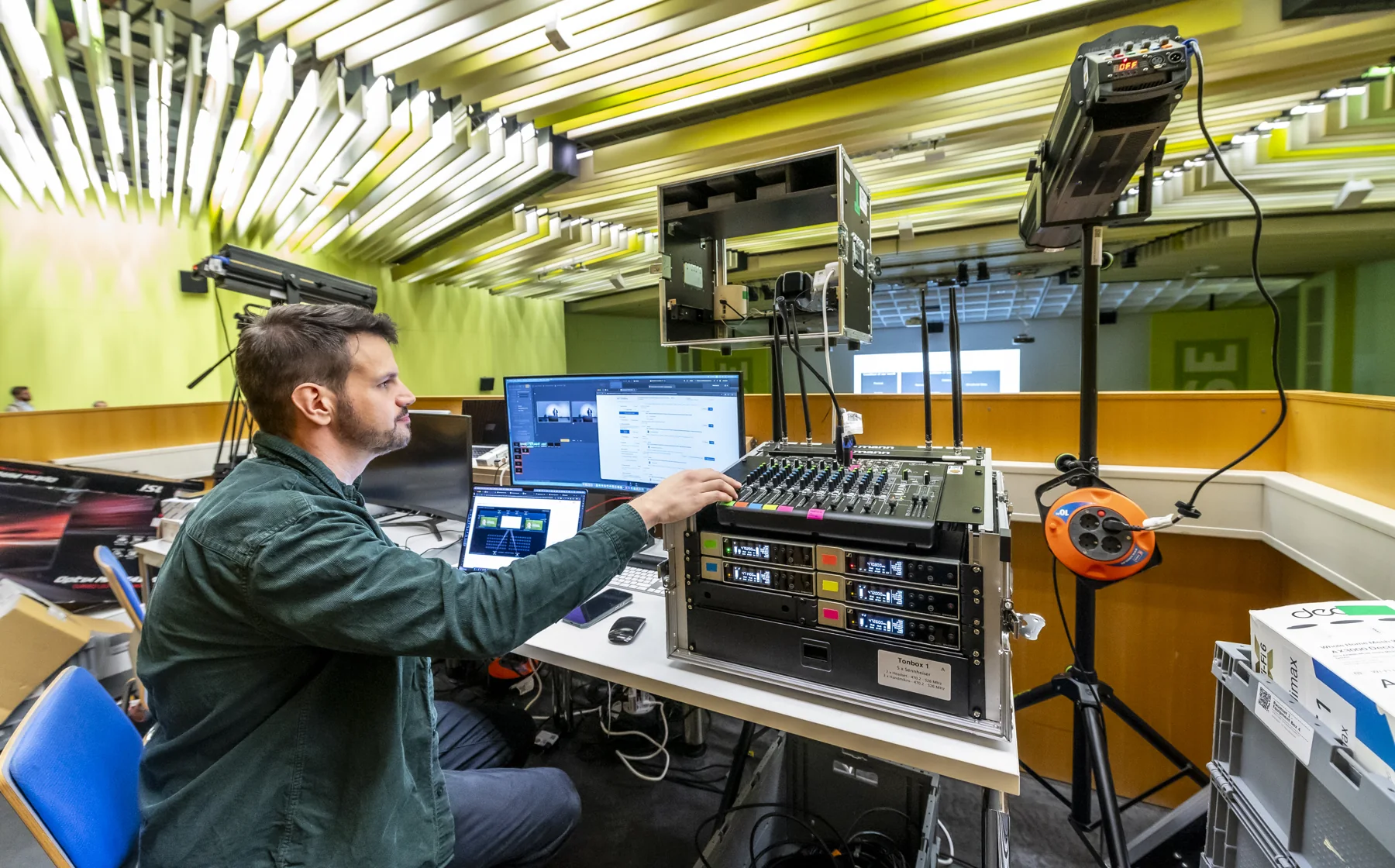
Video, presentation feeds and audio are managed on site. Recordings approved for release are then available with the relevant contribution.
Watch live and catch up later
 Live
Live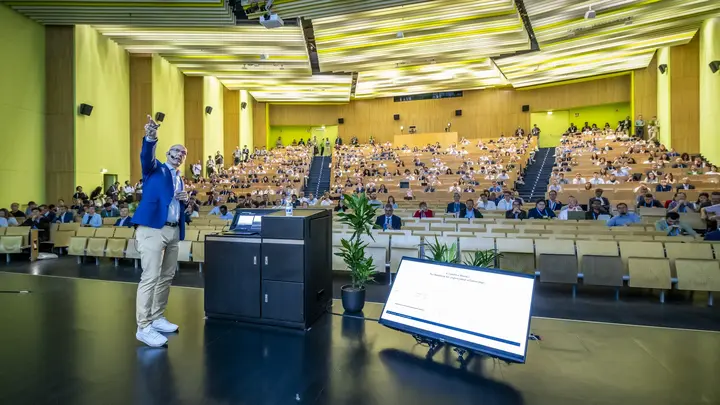 Live
Live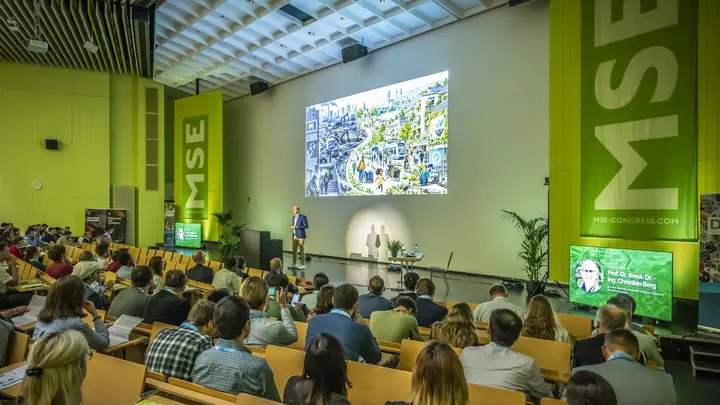 Live
Live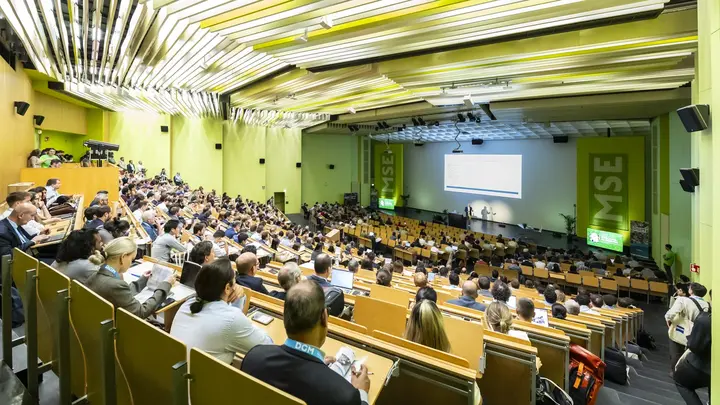 Live
LiveEach room has its own stream. Video, presentation and audio come together in technical control.
- Camera and presentation
- Room audio
- Remote speakers
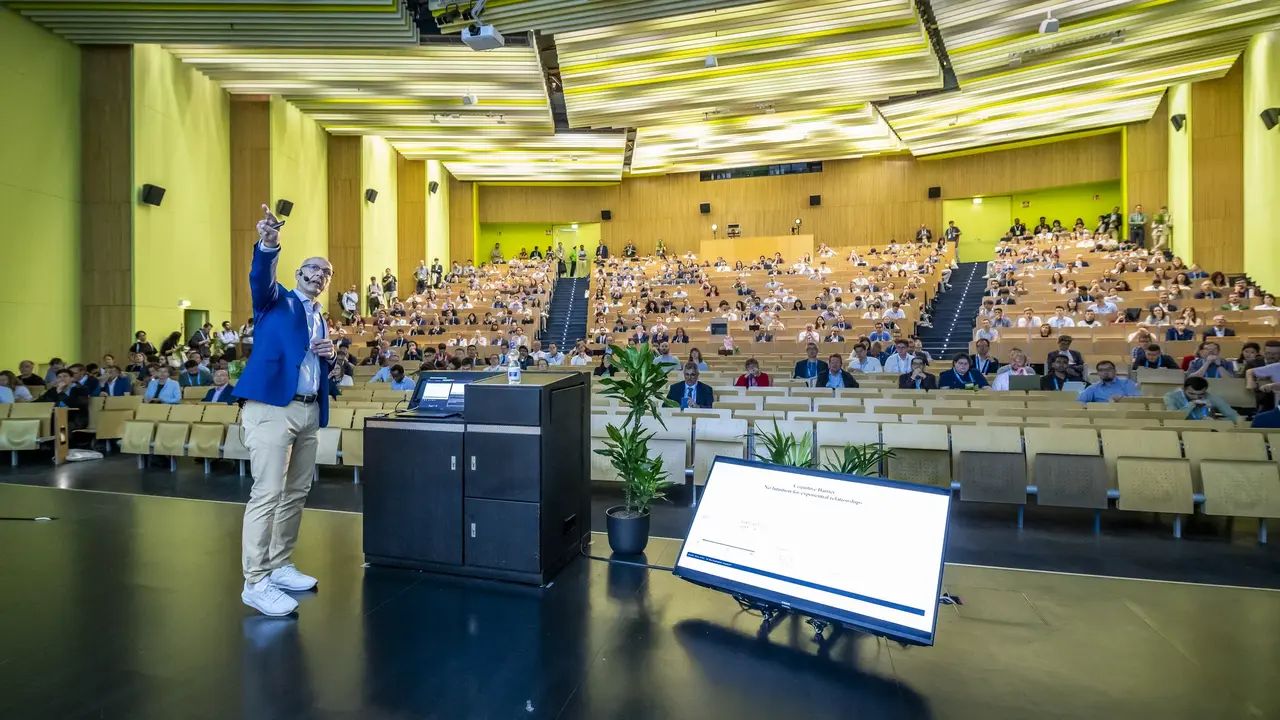
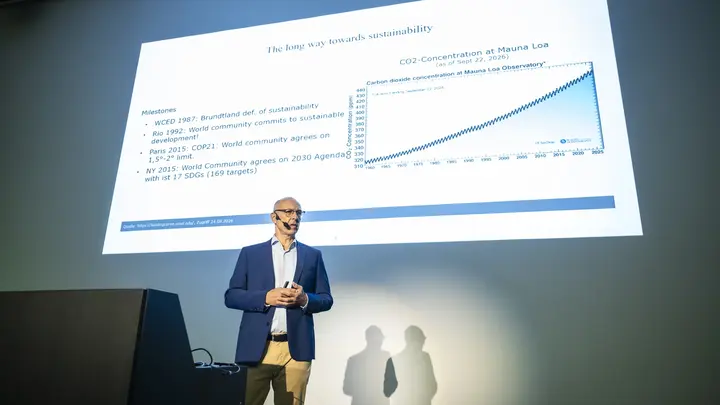
Several rooms are broadcast simultaneously, each with its own stream combining camera, presentation and audio.
Participants open the current talk directly in the program and ask questions with the contribution.
After the session, the recording is assigned to the contribution. Only approved recordings are published.
Participants can watch released talks through their own attendance for the agreed period.
Feature example with MSE 2026 photos and fictional titles. The number of rooms, access and availability period are set for your conference.
View, zoom into and rate posters online
Browse posters, zoom in and ask questions about the contribution. Participants find research by topic, person or institution and save contributions that interest them.
Optional voting supports the selection of poster awards. The online gallery complements poster boards and digital panels on site.
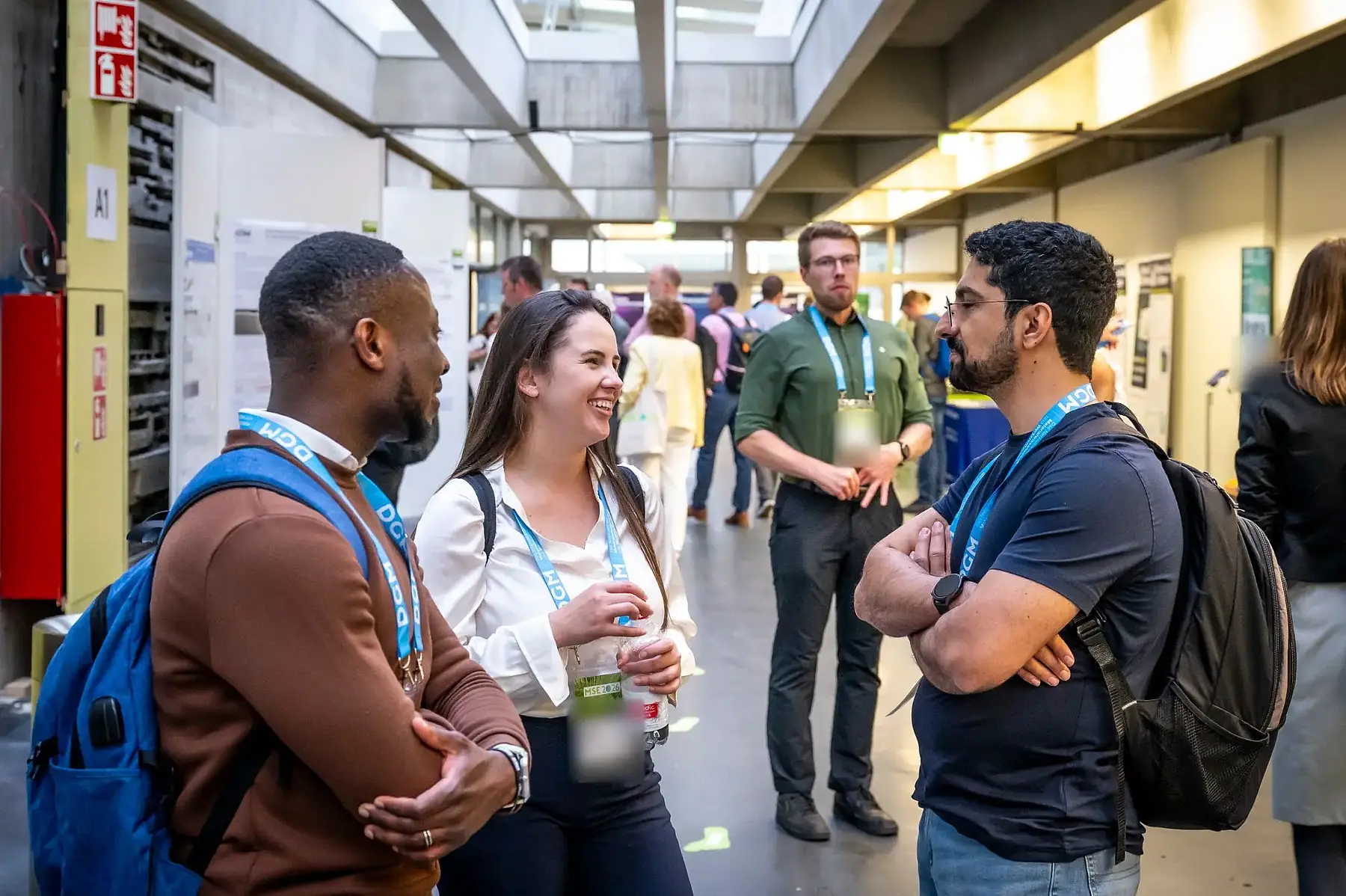
Find exhibitors in the web app and at their booths
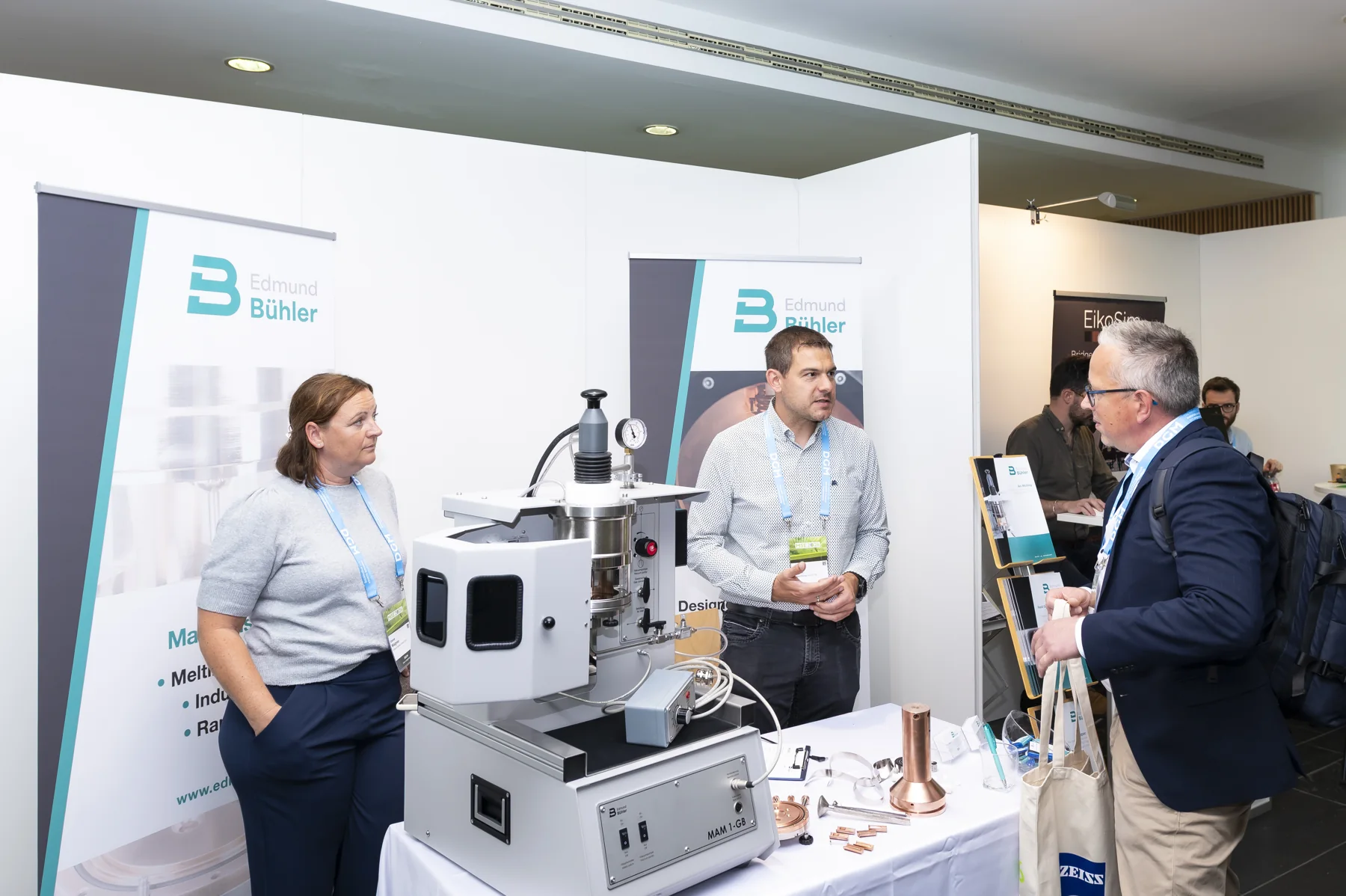
The industry exhibition has its own place in the web app. Profiles, media and approved contacts introduce companies and research offerings.
Booth numbers and the exhibition map guide visitors to the right location. From there, they can open the profile and find the relevant contacts.

Make presentations available automatically in the room
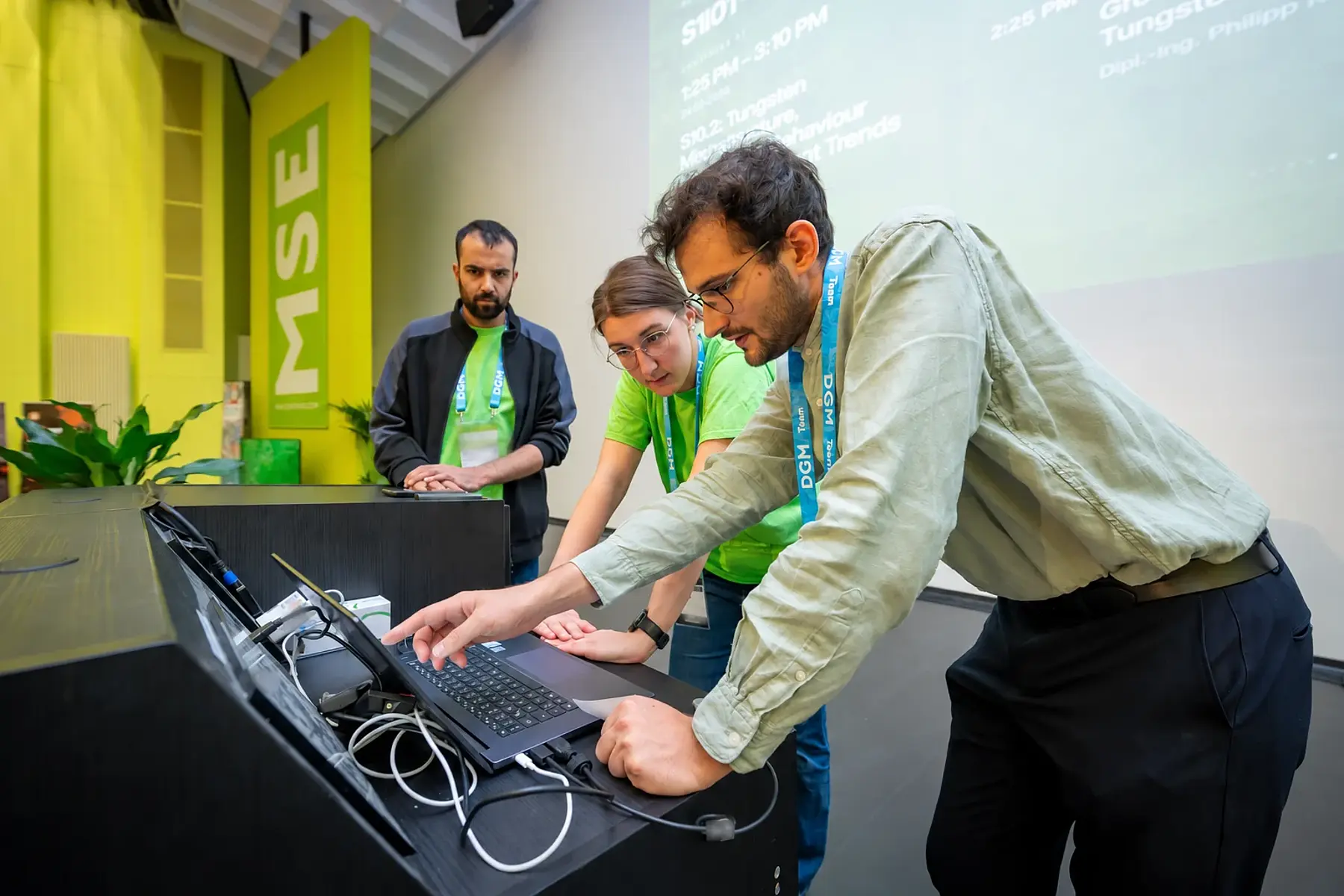
Talks move from the conference program to the projector. Automatic file distribution, remote launch, slide control and break slideshows help keep changeovers short. Room staff, session chairs and central production control each have a suitable interface.
Slides for portrait and landscape displays
Room programs, poster notices and countdowns in your event's design. Each slide is composed to fit the screen format, ready for automatic loops and coordinated stage sequences.
Plan shifts for staff and volunteers
Organize applications, contracts, accommodation and shifts together. Staff have their tasks on their smartphones; organizers can see what is running and where help is needed.
What we handle for your conference
We set up your conference platform and handle the agreed tasks before, during and after the event. Explore our services in detail here.
- Conference website and web app
- Live streaming and on demand
- Posters and digital panels
- Event delivery and room technology
- Submission and slide checks
- Participant management
- Check-in and on-site support
- Exhibitions and trade booths
- Billing and finances
- Staff and volunteer management
- Displays and slideshows
- Room control and session chair program
What suits your event?
Which functions do we need?
We choose the modules with you based on your event concept. A program and posters can accompany an in-person event; a hybrid conference adds live streams and recordings approved for release.
How many sessions can be streamed in parallel?
We plan production around the number of rooms at your conference. Staffing, cameras and audio equipment, internet connectivity and production control are matched to this.
Do participants need to install an app?
The web app works in a browser on smartphones, tablets and desktop computers. On supported devices, it can also be added to the home screen.
Who has access to recordings and voting?
You decide the target groups, access and publication period. Poster voting is configured with eligibility rules, a voting period and a vote allowance.
How do we discuss our project?
Tell us the date, event format, expected number of participants, parallel rooms and services you would like. We will discuss the right platform and support.
Memberships and committees on the same platform
For associations, the platform also manages memberships, membership fees and committees. In the member portal, members find their memberships, invoices and bookings in one place.
- Memberships and organizations Manage individual and institutional memberships, membership periods and supporting documents.
- Committees and collaboration Manage roles and terms of office, prepare meetings and collaborate in protected workspaces.
Let's discuss your conference
Whether you are planning a conference, hybrid congress or scientific symposium, we show you the relevant functions and discuss the support you need.