
Organize conference staff and volunteers
Applications, contracts, accommodations and assignments in one place. Your organizing team tracks progress. Staff and volunteers see what is coming up on their smartphones and report progress directly.
For organizers and their team Preparation · Shifts · Overview
From application to the final assignment
Who is on the team? Which documents are missing? Who is supporting the next room? The answers are in the same system, from the first contact to the conference day.
From application to completed duty
Applicants apply online. The organizer checks their details and availability and accepts applications.
Missing documents are requested, with reminders; the contract is sent and signed digitally.
Plan accommodation, rooms and dates. Available places are visible immediately.
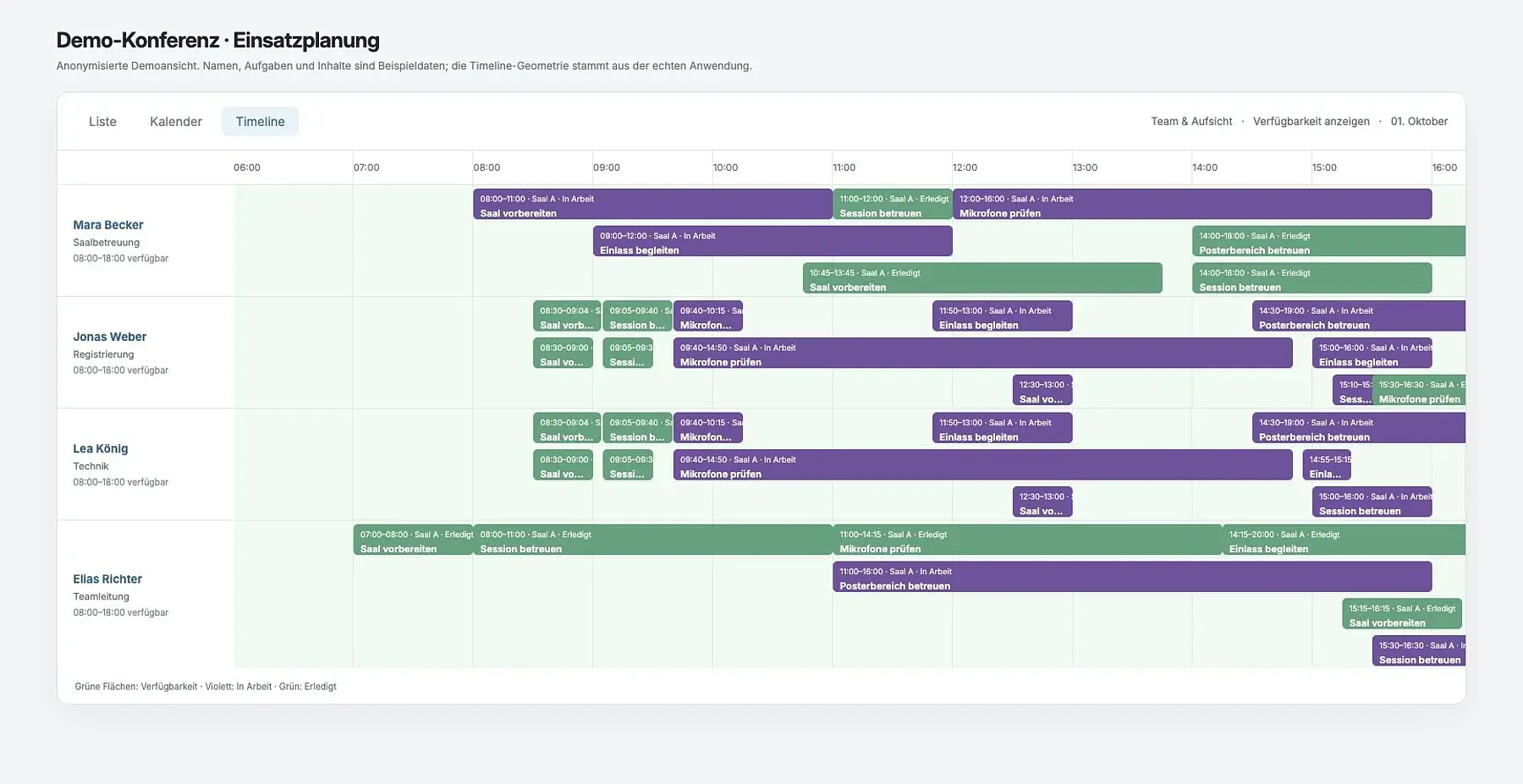
Duties appear in a list, calendar or timeline. Overlaps and open tasks are easy to spot.
The team uses the mobile view; the organizer sees progress live.
Animated feature example with fictional people and data. No tasks are changed or notifications sent. You choose which steps to use.
Manage applications, documents and contracts
Configurable online forms collect details, answers and documents. Applicants have their own access; the organizing team checks documents and supports the next steps.
- Review applicationsInterested people apply online. Candidates are reviewed, accepted or rejected, with traceable progress.
- Documents and contractsRequest missing details, send reminders and check uploads. Track contracts from sending through digital document signatures to completion.
- Build team profilesLink applications with staff and volunteers. Store roles, supervision, availability and working days in each profile.
Who is assigned where and when?
List, calendar and timeline views show tasks from different perspectives. People, supervision, rooms, equipment and checklists are linked to each assignment.
- Clear times: the start, check time and deadline appear alongside the task.
- Check planning: identify overlaps, assignments outside availability and tasks without assigned volunteers.
- Complete tasks together: where required, a task is complete only when every assigned person has finished their part.
Plan accommodations and room occupancy
Manage accommodations locations, rooms, capacities and booking periods. Assign team members and see where space remains for each stay.
Plan occupancy, stay dates and available places together.
Schematic illustration with example data. Accommodation names and rooms are fictional.
Tasks in the team app and a live overview
Each team member sees their tasks on their smartphone, with times, instructions, files, checklists and room plans. Status changes are reported directly on site.
Live overview for the organizing team
Outstanding, ongoing, late and completed tasks appear in the shared overview. The organizing team sees individual progress and can provide support when needed. Dashboards stay synchronized; optional push notifications flag changed task statuses.
Working hours, name badges and vouchers/tokens
- Track working hoursView recorded check-ins, check-outs, breaks and daily totals together.
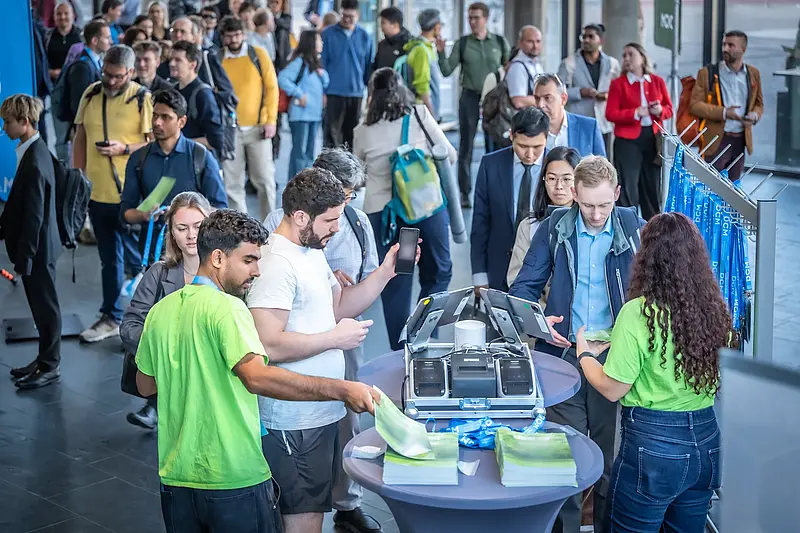
- Collect a badgeProvide personal station codes for badge printing. Badges are issued at the designated terminal.
- Issue vouchers/tokens for the dayProvide vouchers/tokens according to each helper role’s rules and issue them at the station.
We set up tasks, roles, notifications and station workflows to suit your conference.
How does this fit your conference?
Can the team work across several buildings?
Tasks can be assigned to rooms and equipment. Stored venue maps help the team find the right location for their duties.
Do we have to use every feature?
No. Applications, contract workflows, accommodation planning, time tracking and station printing are set up according to your needs. Notifications are optional.
Are there separate views for organizers and helpers?
Organizers plan and track tasks. Team members use the mobile view for their duties, documents and updates.
Which workflows does your conference team need?
Describe your team size, locations and on-site tasks. We show you suitable workflows and set them up for your conference.