Organize committees and collaborate online
Boards, working groups and specialist committees have their own structures, roles and protected workspaces. Meetings, minutes and tasks stay linked for the people responsible.
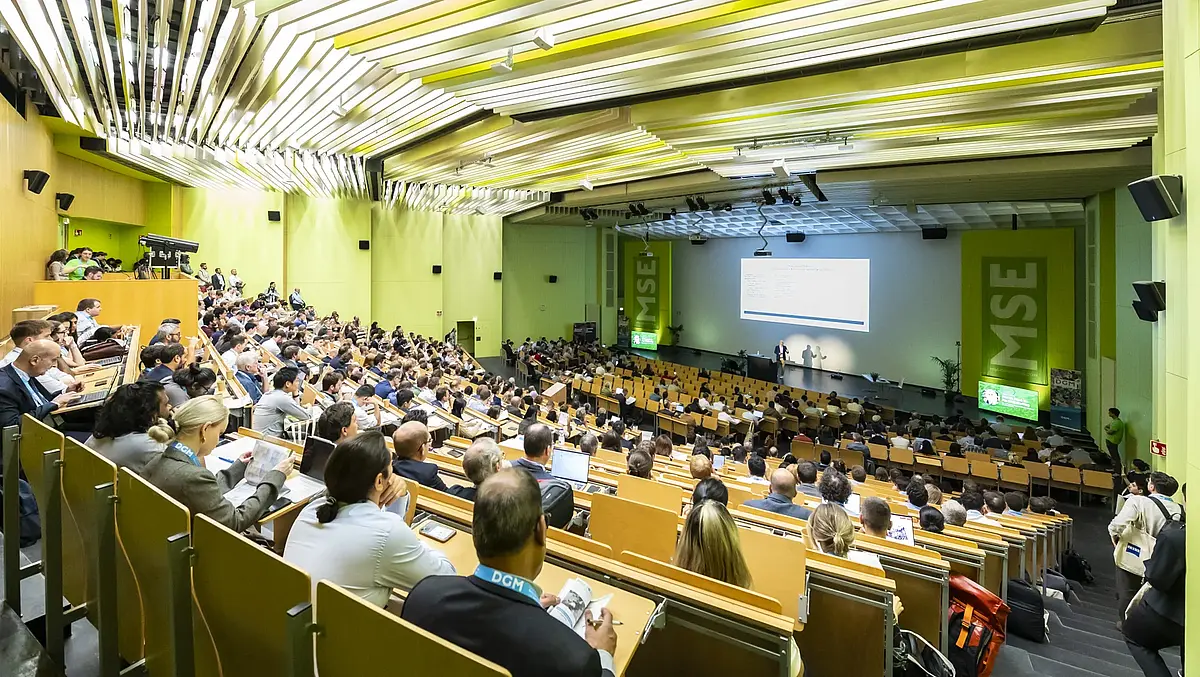
From meeting preparation to the next task
The date, agenda and documents give the meeting a clear framework. Afterwards, results and tasks remain accessible with the person responsible and deadline.
Collaboration before and after the meeting
Date and agenda
The invitation, agenda and released documents form the preparation.
Date, agenda and documents support preparation.
Outcomes are recorded in the minutes and linked to responsibilities.
Tasks, the forum and shared files support continued collaboration.
Workflow illustration, without a working CRM login. No member data, payments or messages are processed.
Manage committees, roles and terms of office
- Your committee structure
Boards, specialist committees, working groups and subcommittees are managed hierarchically, with their purpose, responsibilities and terms.
- Committee membership
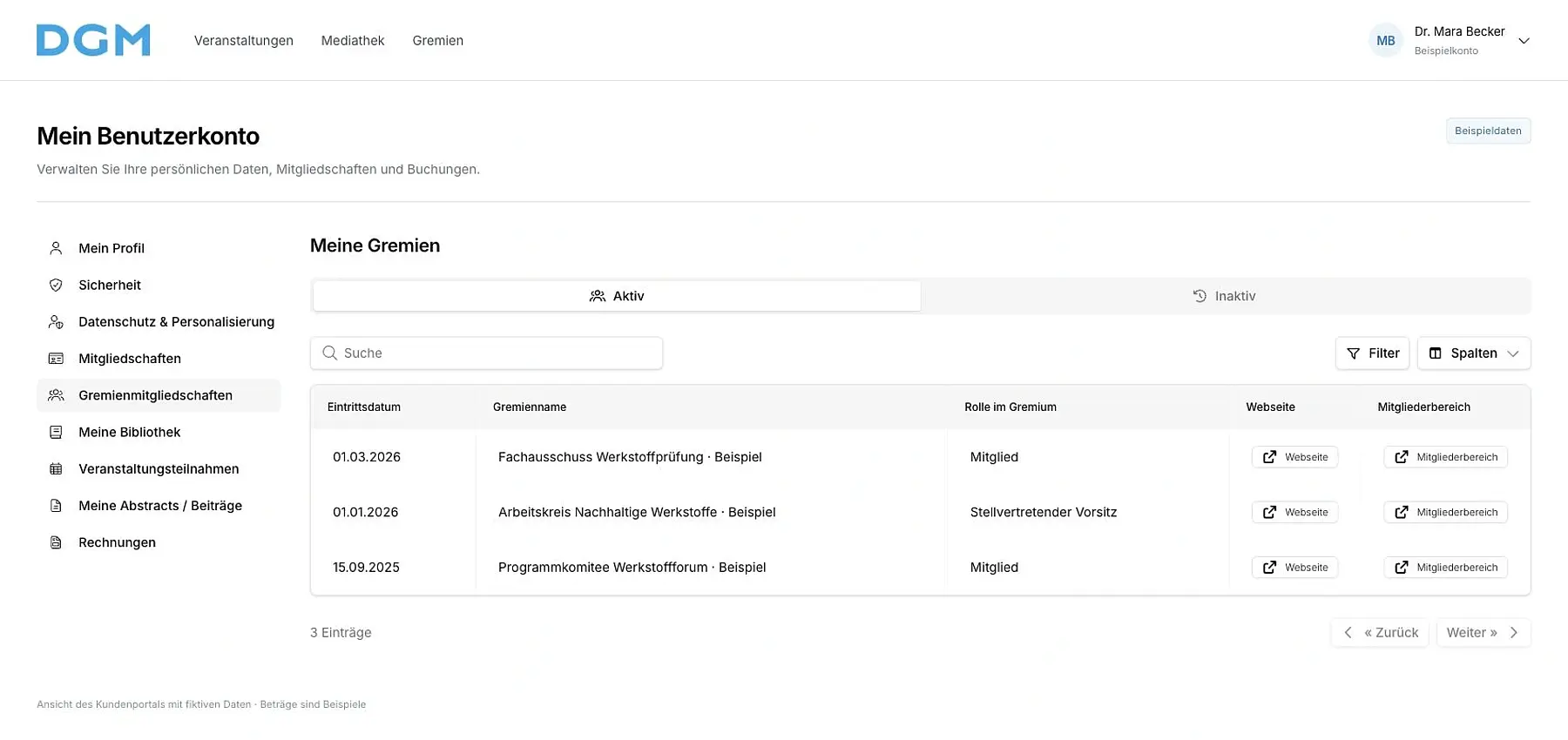
Chairs, deputy chairs, association office staff, members and guests receive the appropriate roles. Joining and leaving dates record terms of office and completed roles.
- Different levels of access
Protected workspaces and file collections depend on active committee membership and the configured role. Leadership and moderation functions are separate from ordinary member permissions.
Organize in-person, online and hybrid meetings
- Scheduling and invitations
We support scheduling, invitations and participation arrangements. Meetings can be managed as events with registration and attendance confirmation.
- Agenda and minutes
Meeting notes bring together the agenda and results. Collaborative editing and a traceable history of the minutes support preparation and follow-up.
- Resolutions and votes
Resolutions can be documented and online votes or elections configured. Voting eligibility, opening times and procedures are defined for each occasion.
- Tasks with deadlines
The association office tracks tasks with owners, status and deadlines. Work arising from a meeting stays visible until it is completed.
A shared workspace for your committee
In their personal committee area, members find the people involved, meeting documents, discussions and available video rooms. Access depends on active committee membership and configured permissions.
We set up these areas for your association and help the office manage them. Meeting minutes remain traceable through their editing and version history.
Find and get to know members
Who is involved in the specialist committee? The directory shows members with their organization and recorded role. Search by name, company or institute to find the right person and open their profile.
- Display members with a profile photo or initials
- Associate companies, institutes and committee roles
- Browse even large directories alphabetically
The directory is available to authorized people in the protected committee area.
Members
DirectoryFrom the directory to a committee member’s profile.
The profile shows the person, organization and committee role.
Keep documents organized and accessible
Agendas, minutes and working documents are stored in shared folders. Members can view and download files made available to them. Committee leaders have a separate file area.
- Create folders by meeting, working group or topic
- Provide files with previews and downloads
- Allow authorized people to upload, rename and move files
We agree the access rules with you. The member file area is protected; confidential leadership documents remain in their designated area.
Files for members
ProtectedShared documents for authorized members.
A separate workspace for committee leaders.
Hold meetings directly on the platform
For meetings and specialist discussions, members open the available video room from their committee area. The room overview shows who has already joined. Before joining, they can check their camera, microphone and chosen devices.
- Turn your camera and microphone on yourself
- Share your screen, use the chat and raise your hand
- Bring the gallery or individual participants into focus
- Stay in the conversation while opening documents elsewhere on the platform
Committee leaders have the host functions. We configure suitable rooms and access for your association.
Video rooms
Ready for discussionOpen available rooms directly in the committee area.
Check devices and activate them yourself before joining.
Share your screen and ask questions by raising your hand or using chat.
Continue discussions between meetings
In the protected forum, members discuss questions in topic channels. Replies stay with their topic and can be found again later. Working groups can continue collaborating between meetings.
- Search topics, posts and replies
- Filter unread, saved or your own discussions
- Mention members and receive relevant notifications
- Mark helpful replies and pin important topics
Moderators can close and reopen discussions. Channels with restricted posting permissions can be configured for announcements from the association office.
Forum
Continue working togetherOrganize topics and find previous replies.
Mention members and resolve questions together.
Coordinate committee work with your association office
We configure the committee structure, roles, workspaces and meeting workflows. Together, we decide which documents members can see, how decisions are recorded and which tasks your team or ours will handle.