
One slide design for all conference displays
Create a slide and show it on different screens: portrait digital poster panels and landscape room or stage displays. The layout adapts to the format. The program, names and QR codes remain fully visible.
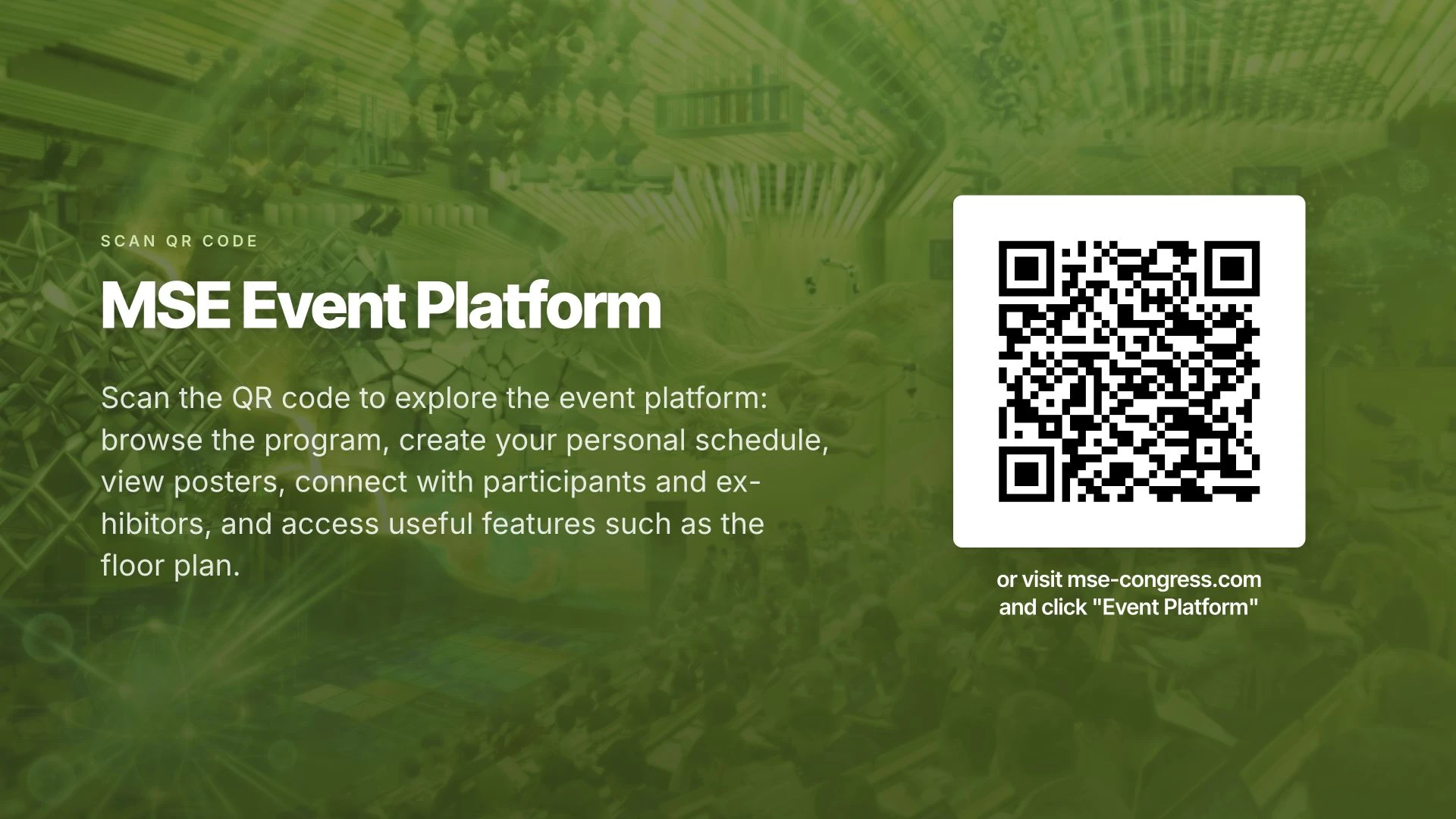
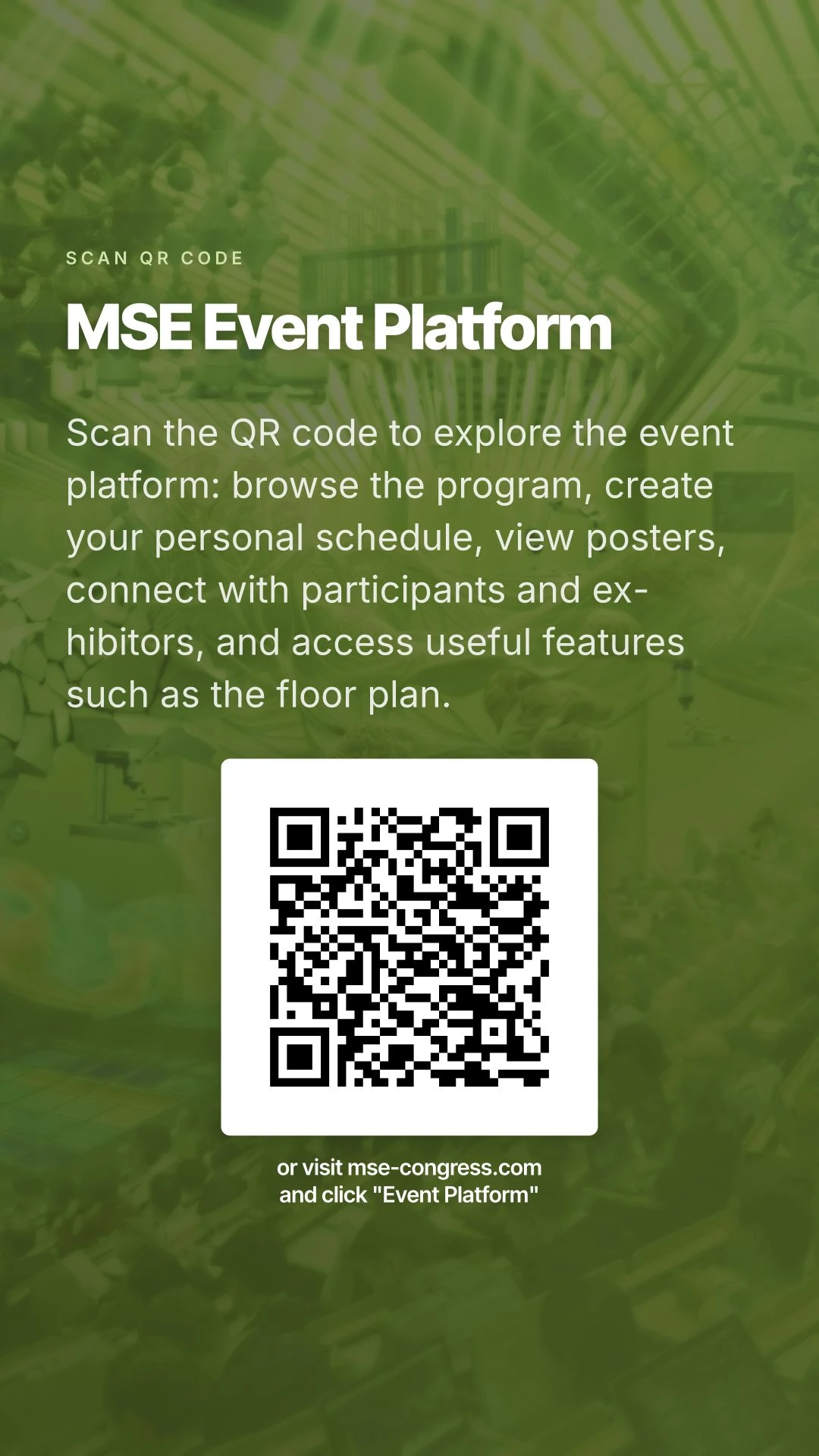
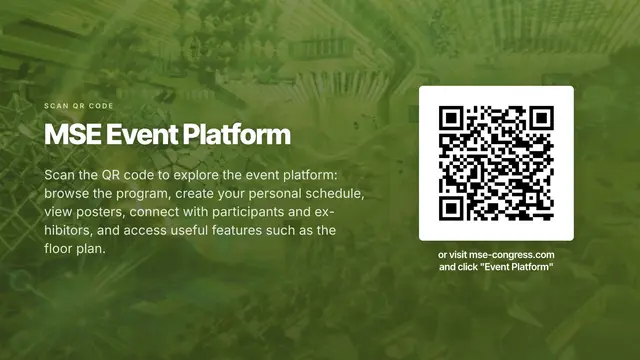
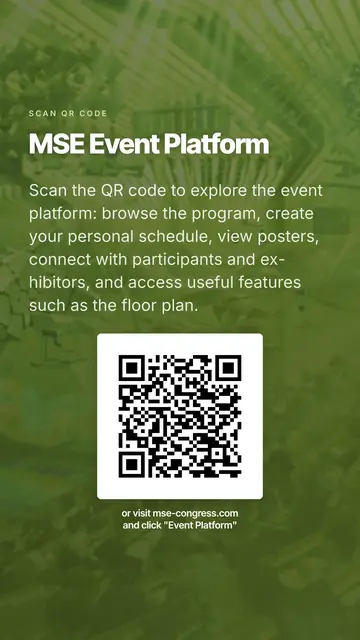
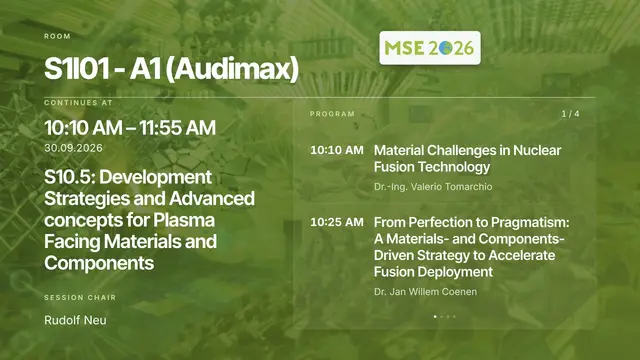
The same original MSE slide, rearranged for each format.
In landscape format, text and QR code sit side by side.
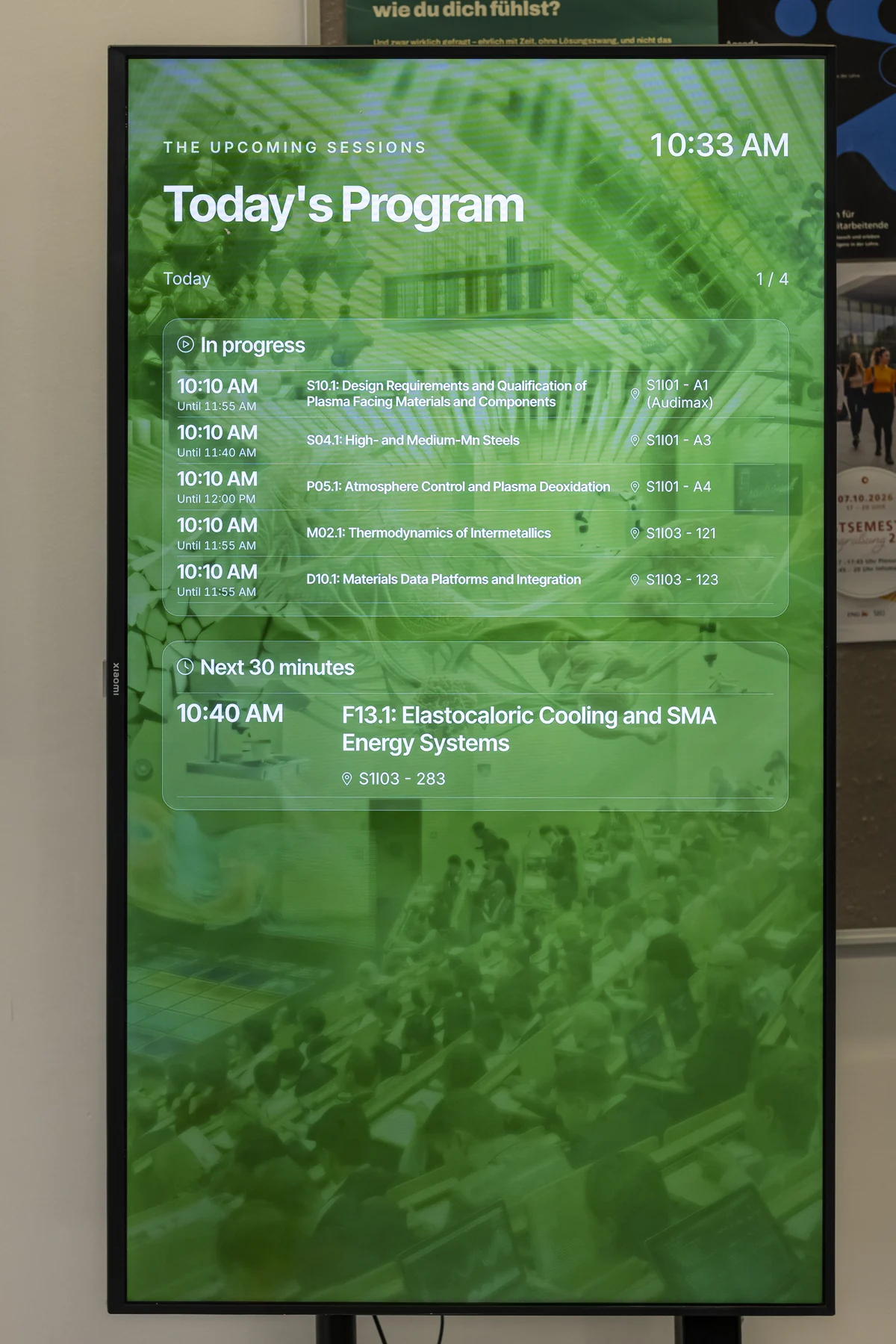
In portrait format, content is stacked in a clear reading order.
Original slides from MSE 2026
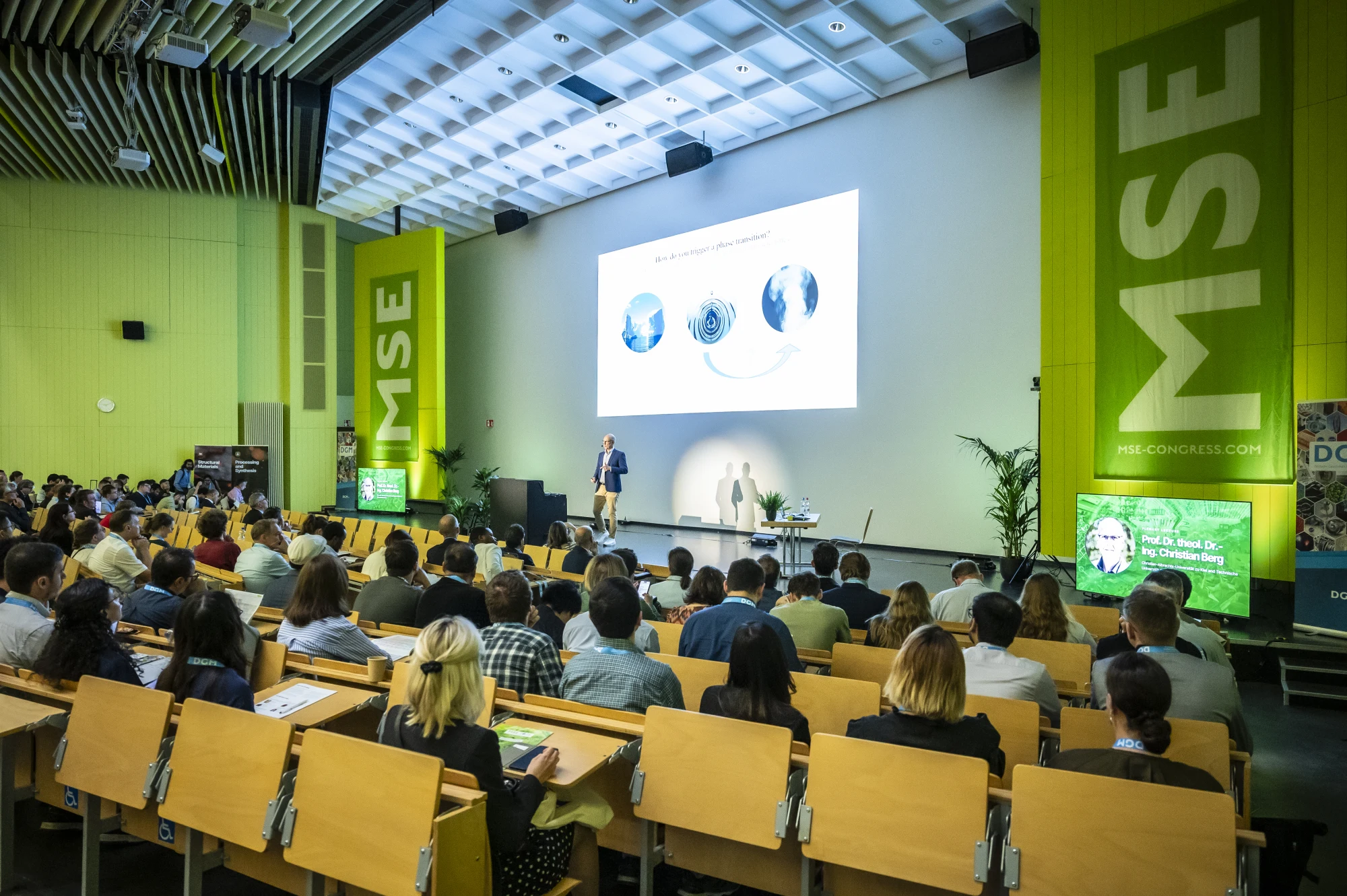
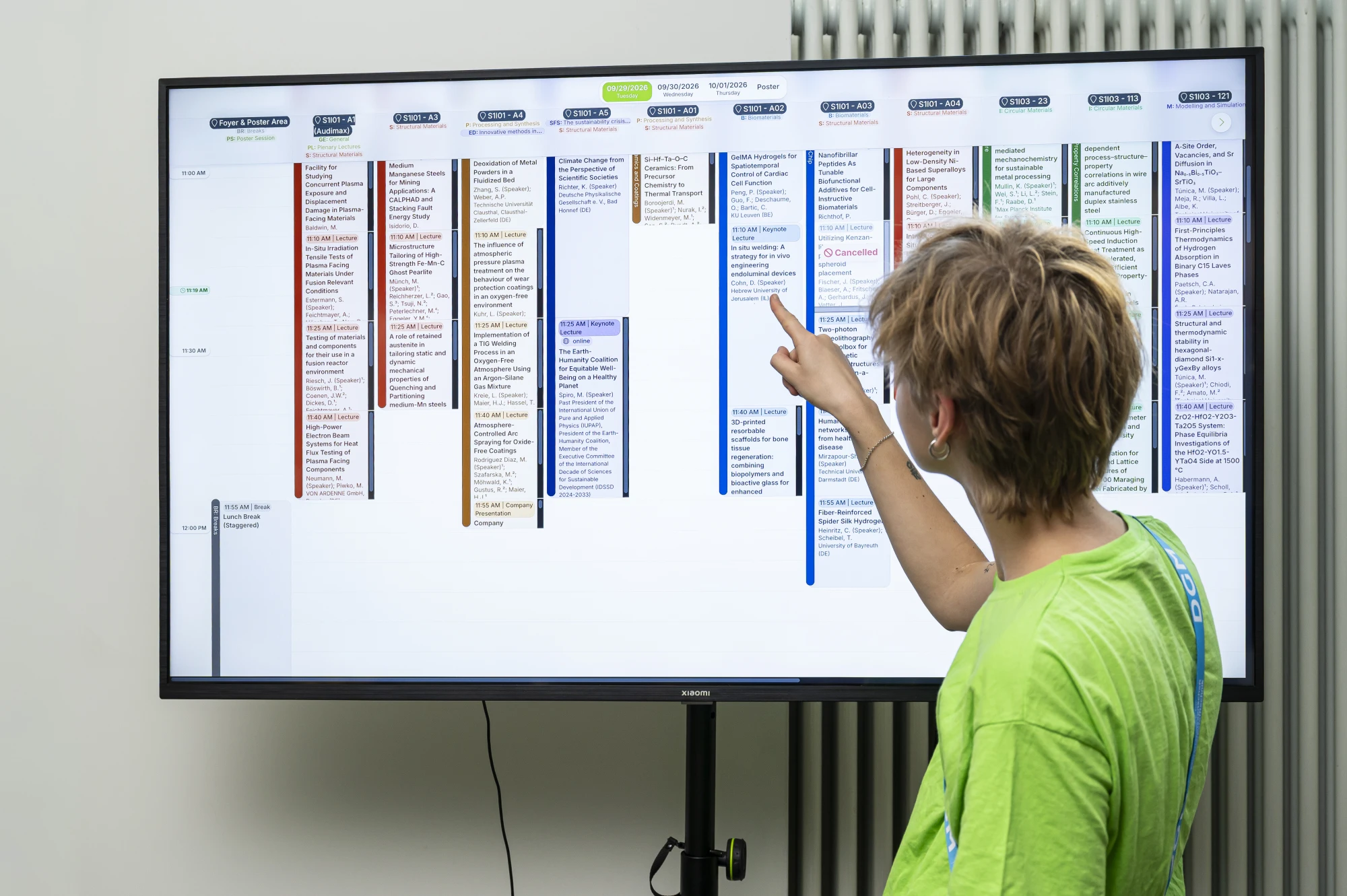
Room programs during breaks, poster information in the foyer and coordinated stage outputs. The large central projection and two side displays show suitable content in landscape and portrait. Event colors and backgrounds connect the outputs.
Room program during the break
Times, talks and session chair directly from the conference program.
Archive preview · September 30, 2026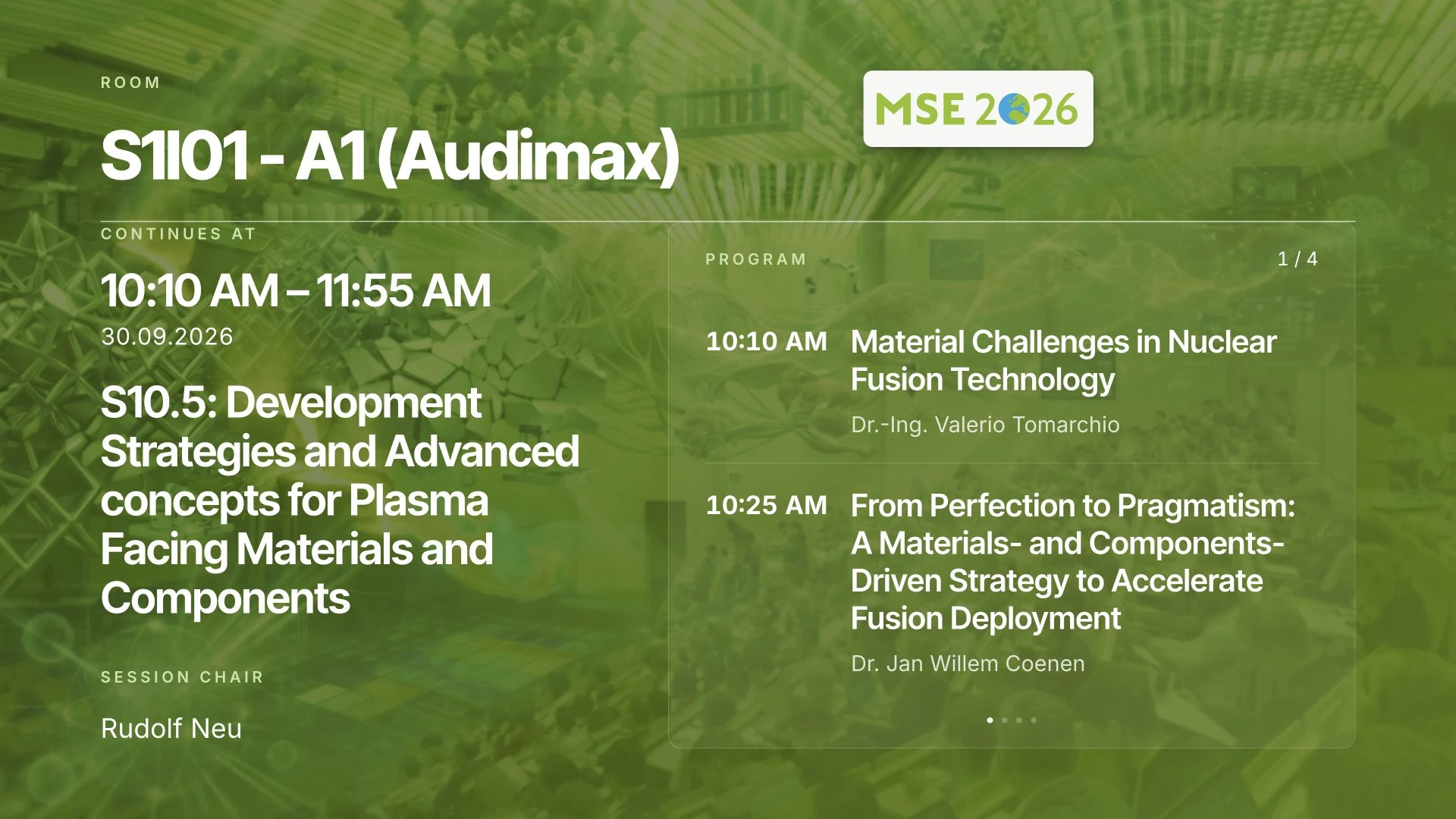


Landscape room program with the session and upcoming talks.
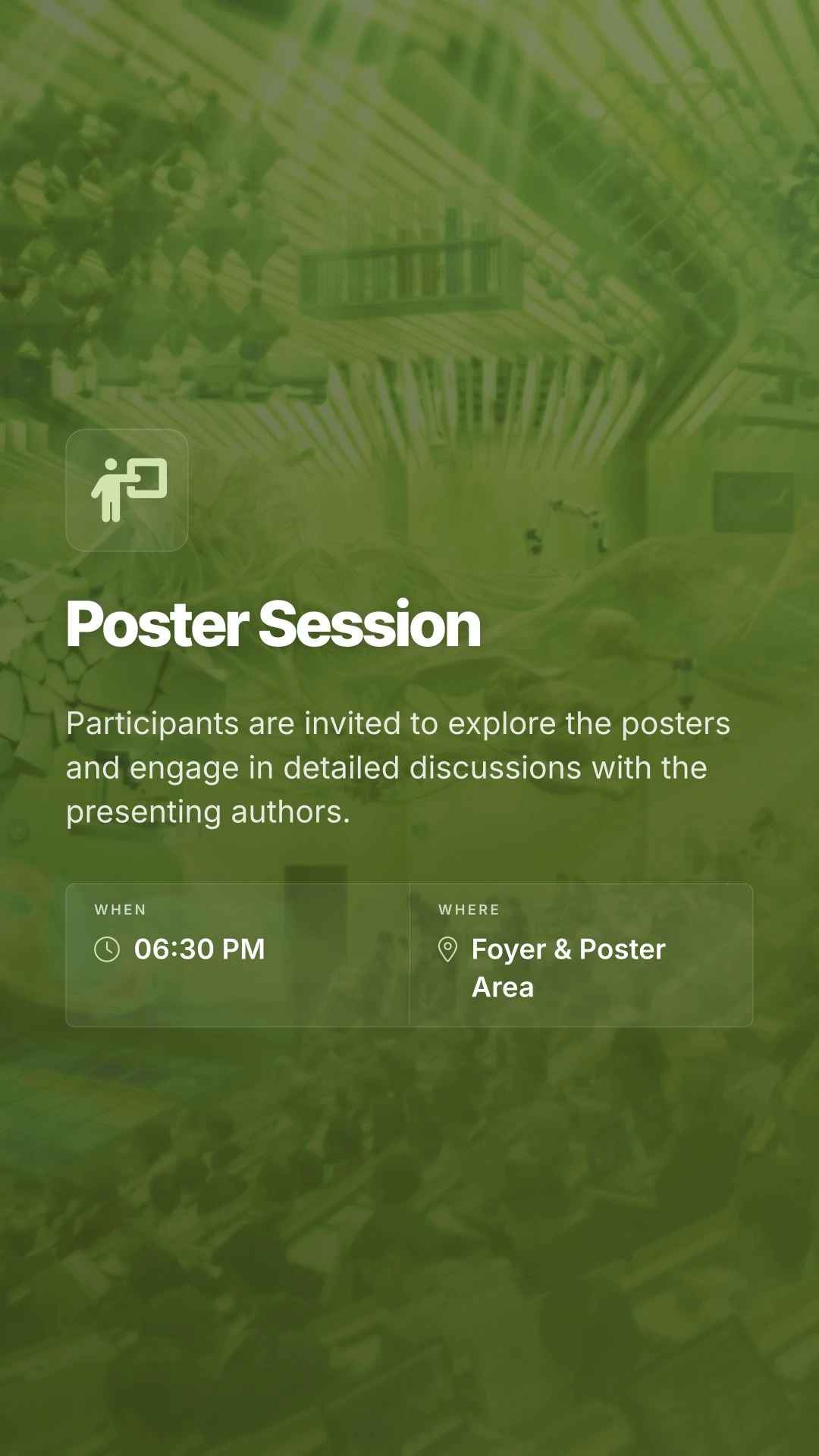
Portrait poster session slide with location and start time.
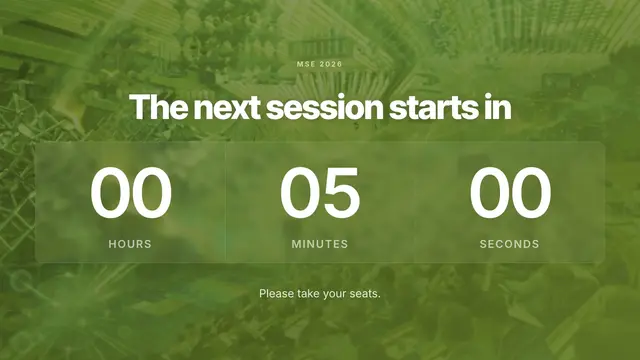
Speaker slide, stage countdown and announcement on separate displays. Design example in the MSE style · Fictional speaker and generated avatar.
Design a slide for portrait and landscape
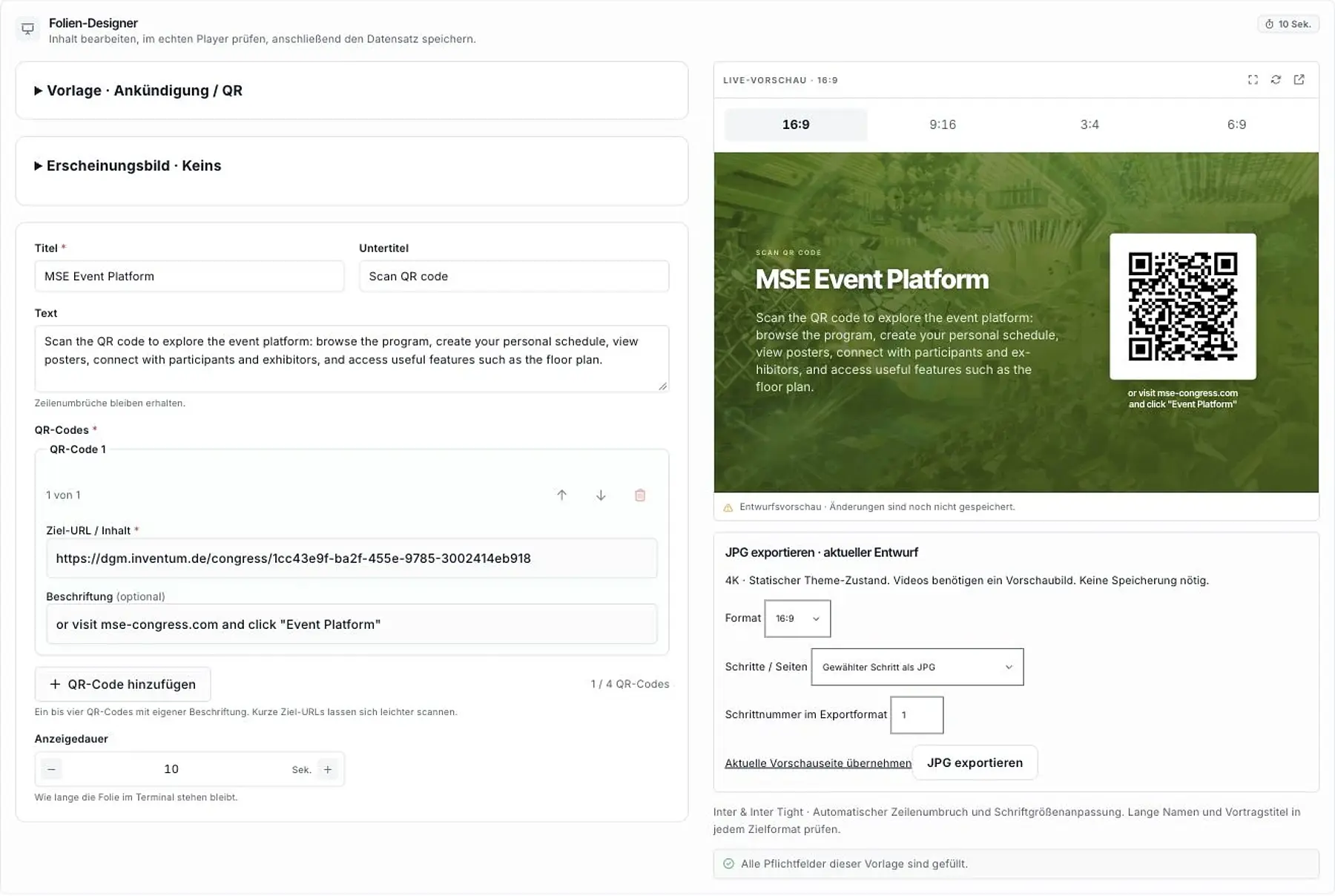
Choose a template in the slide designer and add your content. The live preview shows the actual landscape and portrait layouts. You can check long talk titles, names and QR codes before use.
Colors, logos, background images and animation themes reflect your event’s identity. You can export finished slides as JPG files for other uses.
Automatic loops and stage scenes
Linked slides can show room programs, current and upcoming sessions, speakers and event statistics. Add announcements, sponsor content, images and countdowns.
Stage control shows the control team each screen’s output side by side. Speaker slides, countdowns and announcements can appear simultaneously on different displays. Content and screen assignments are prepared as a scene and started together.
Prepared slides run automatically in a loop during breaks and on information displays. We set up the screens, templates and workflows for your conference.
From template to every screen
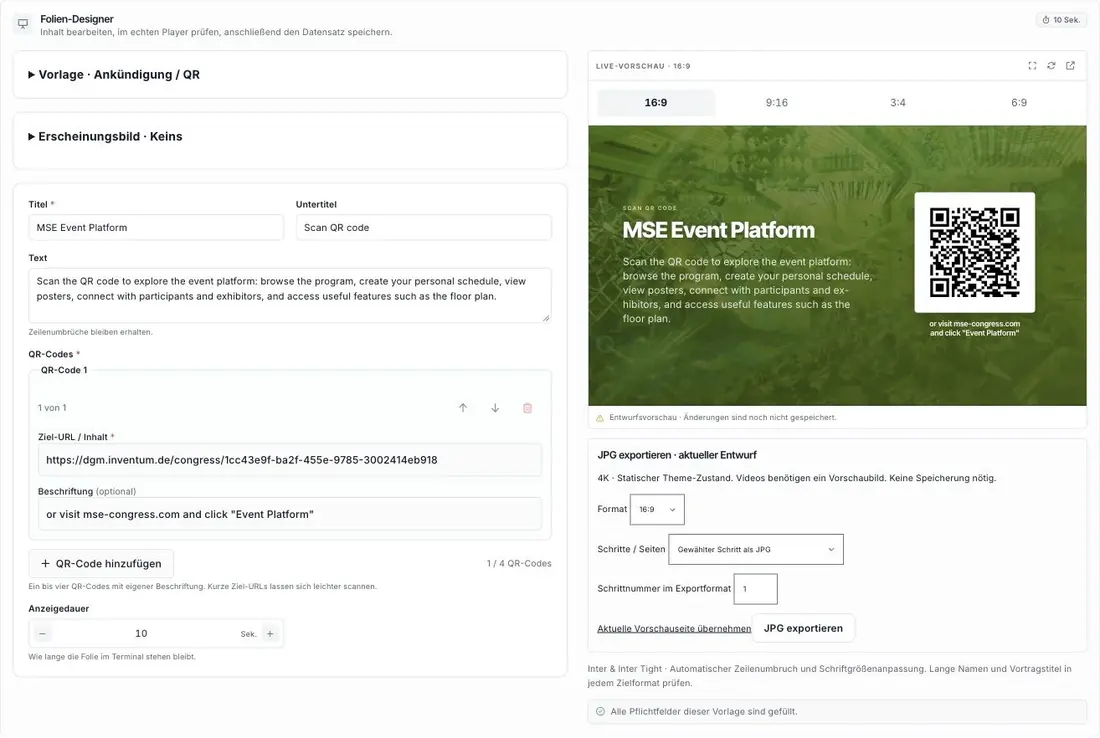
Create the content once in the slide designer: template, text and QR code, with a live preview for both formats.
The same slide is rearranged for landscape and portrait and sent to the intended displays.
Prepared content runs automatically in a loop or is preloaded for a coordinated sequence and started when needed.
Original MSE 2026 slides and designer view; display names and workflow are examples. The countdown is an unsaved demonstration. Content and display assignments are set up for your conference.
Displays in the foyer, rooms and on stage
Digital poster panels guide visitors through the exhibition. Information displays show the program, upcoming sessions, highlights and travel information. Room and stage displays support breaks, plenary talks and prepared shows.
Which displays does your event need?
We agree screen formats, locations, content and workflows with you and connect the displays to the conference program.