
Poster gallery and digital poster panels
We plan your poster exhibition on poster walls, on digital panels or in the online gallery. Participants find the posters in the web app and on site, read the abstracts and see who wrote them. Questions and voting for poster awards are optional.
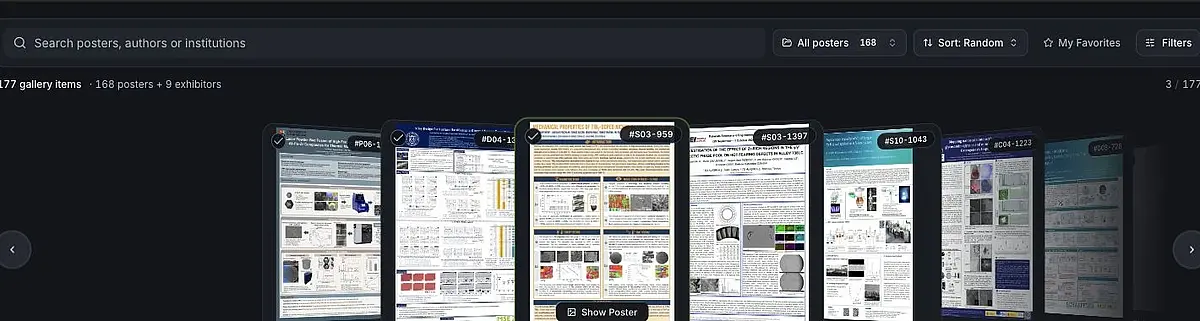
Browse, zoom and vote on posters
The online gallery makes the contributions accessible on screen and complements conversations at the poster wall.
- Browse the gallery: Participants swipe, drag or use the arrow keys to move through the contributions and can search for specific topics, people or institutions.
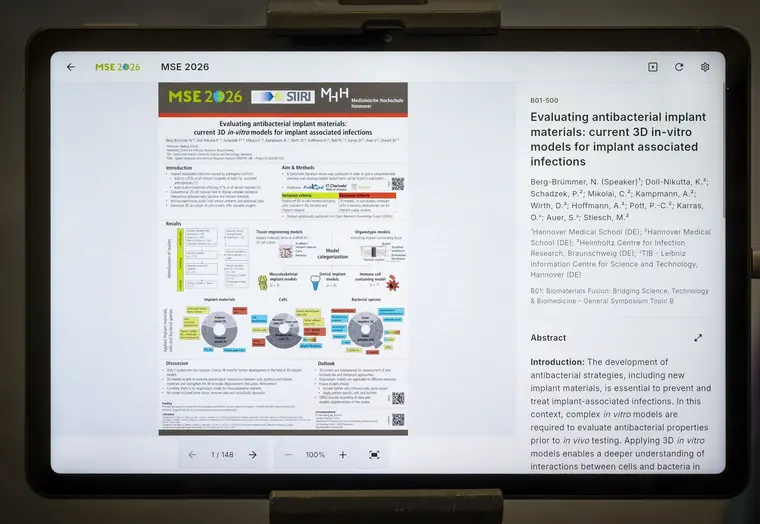
- Read in detail: Each poster opens in a large view and can be zoomed further, with the abstract, session and contributors one click away.
- Keep track: Favorites and posters already viewed are marked, so participants find their way even in a large gallery.
- Vote for poster awards: On request, we enable voting, and you decide who can vote, during which period and with how many votes. Everyone sees the votes they have cast and can withdraw them until voting closes.
On request, digital poster panels on site can show the same approved posters. The forum also lets you allow questions on individual contributions.
Find, read and rate posters
The gallery shows all released posters. Search and topic filters help you find the right contribution quickly.
Open a poster in a large view and zoom in. The abstract, session and authors appear alongside it.
On request, participants cast a limited number of votes for poster awards within a set period.
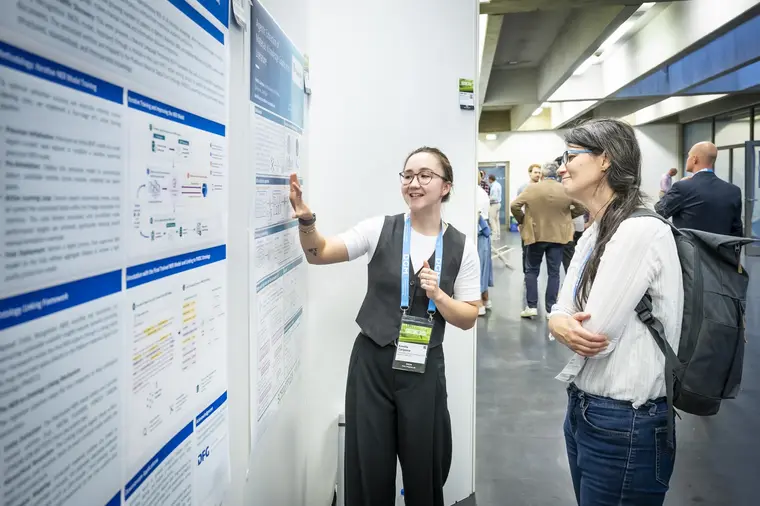
Printed poster walls, digital panels and the web app can be used together or separately.
Feature example with fictional posters. The photos are from MSE 2026. Voting, access and formats are agreed for your event.
Posters and program on displays on site
On digital panels and tablets, participants select an approved poster and read it in detail. The abstract, authors and session appear right next to each contribution. Between poster sessions, the same panels can show the program, upcoming sessions and current notices on request.
- Paired with a display: A poster selected at the terminal appears large on the paired display, including zooming and panning. When idle, the display returns to the slideshow with program information and notices.
- Shared content: Posters are prepared once and appear in the web app and at the digital stations on site.
- Direct discussion: During the poster session, participants look at contributions together and talk about them.
- Planning and support: We agree on locations, displays, power supply, network and operation with you. Notices and changes are maintained in one place.
Digital panels can complement a printed poster exhibition or be used as a format of their own.
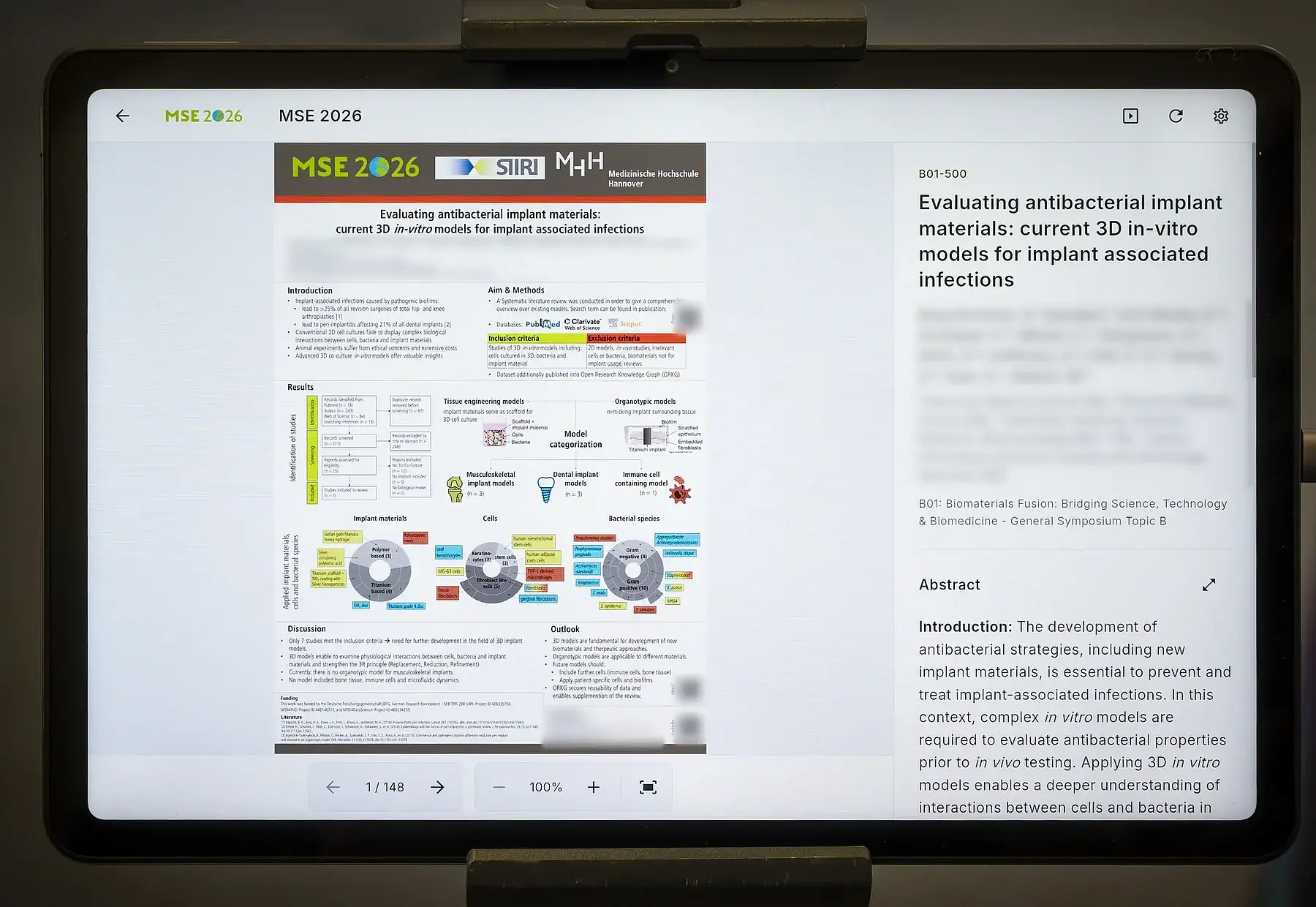
Choose a poster at the terminal and show it at full size on the display
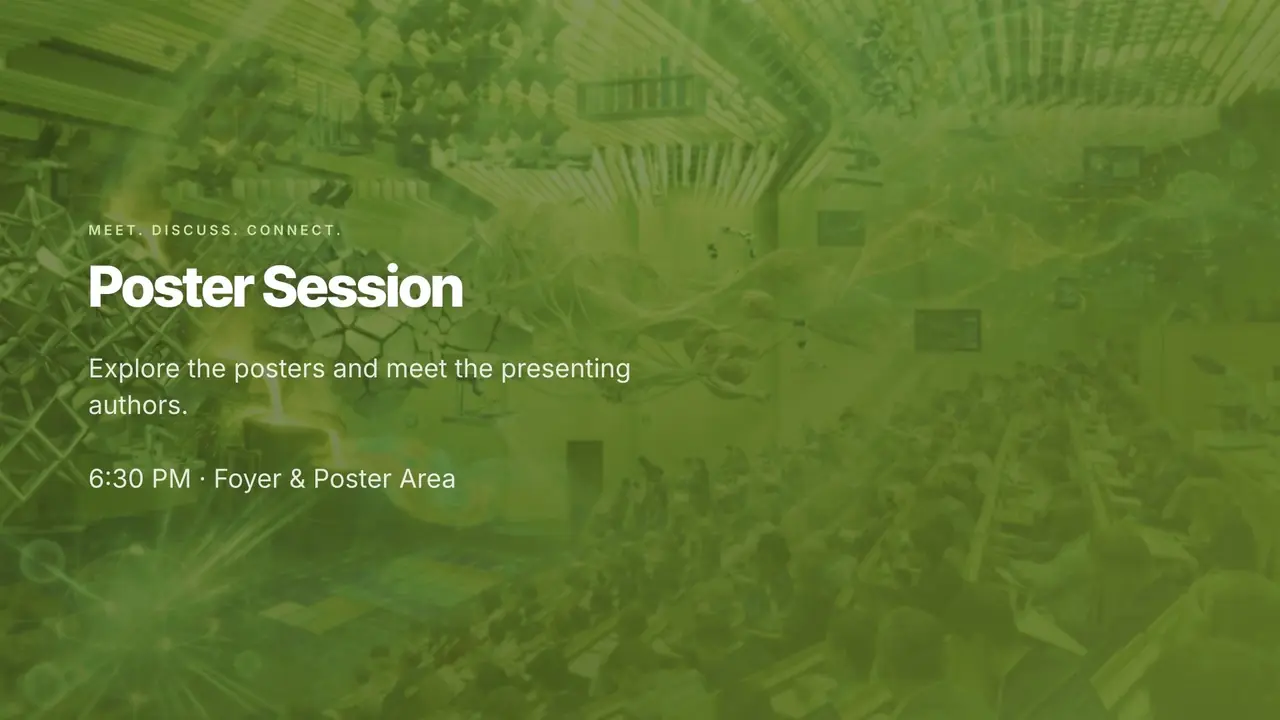
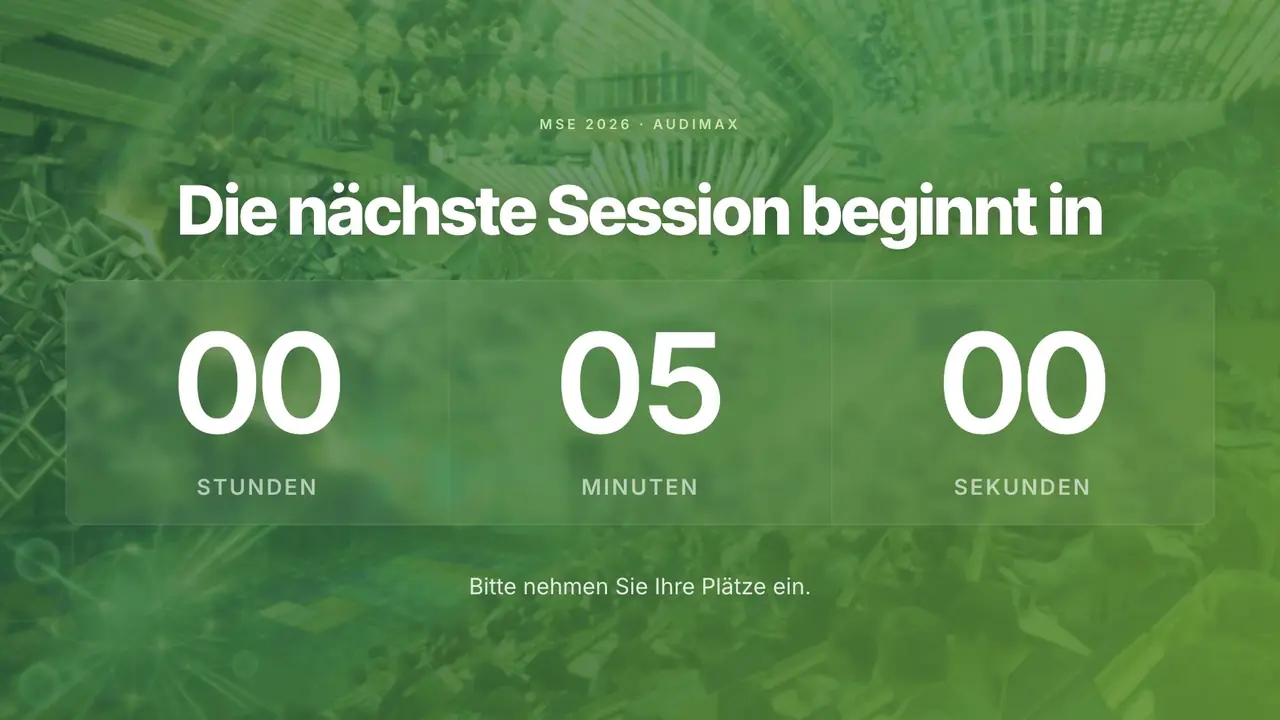
While the terminal is idle, the paired display shows a slideshow with the program and information.
When a poster is selected at the terminal, it appears at full size on the display.
Zooming and panning at the terminal are mirrored on the display.
After a period without input, the display returns to the slideshow.
Feature example with fictional posters. The slides are from the MSE 2026 slideshow. Terminals, displays and slideshow content are set up for your event.
Plan a printed poster exhibition
A printed poster exhibition gives researchers space to present their findings in person. Together with you, we plan poster areas, numbering and integration into the conference program, with poster pitch talks on request. Displays in the foyer can announce the location and start time of the poster session, and the poster areas can be marked on the venue map in the web app.
Alongside the exhibition, participants can find the contributions in the online gallery before the poster session and revisit them afterward. Digital panels on site and poster voting can be added on request.
We set up the upload of poster files through abstract submission.
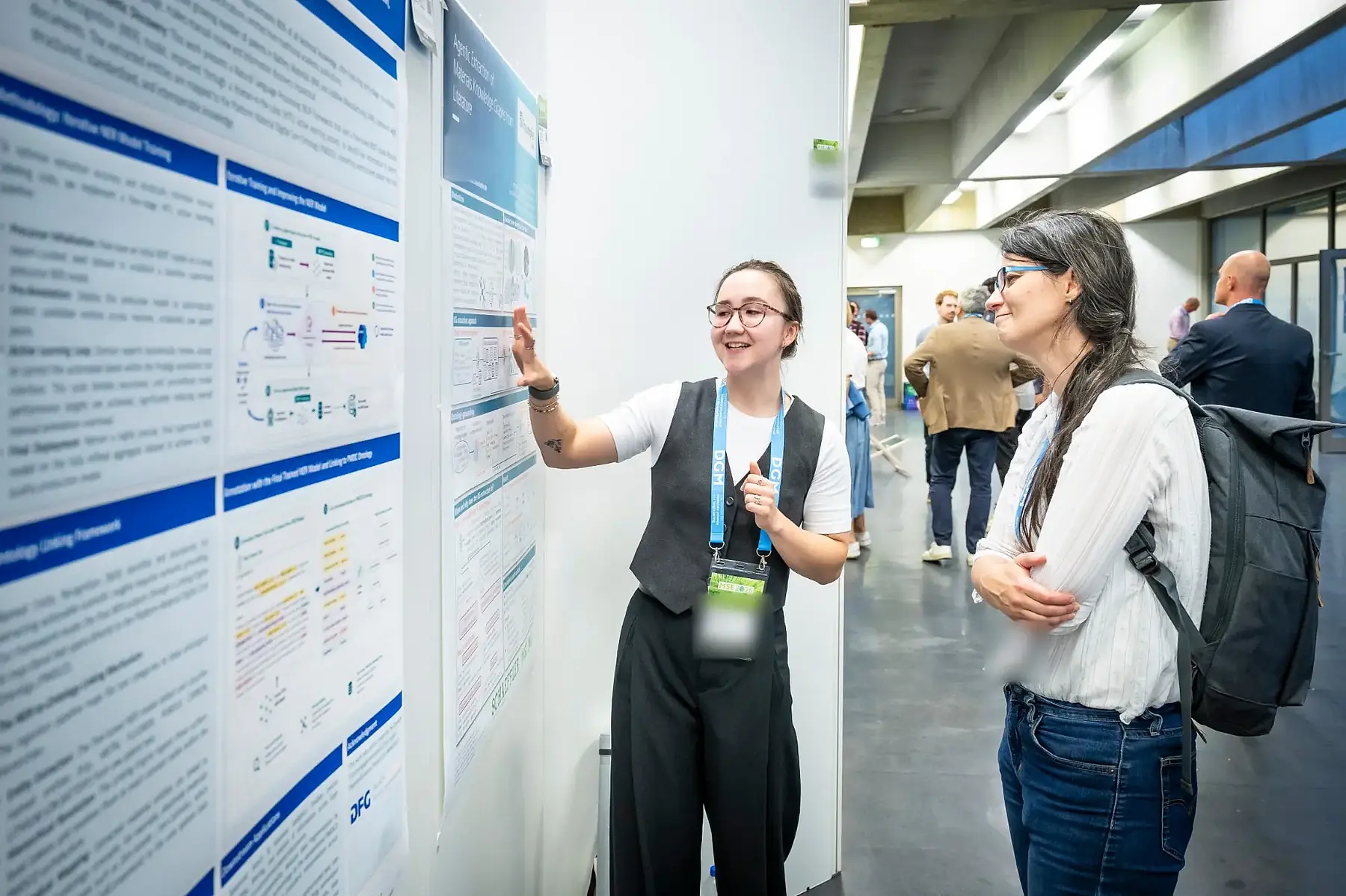
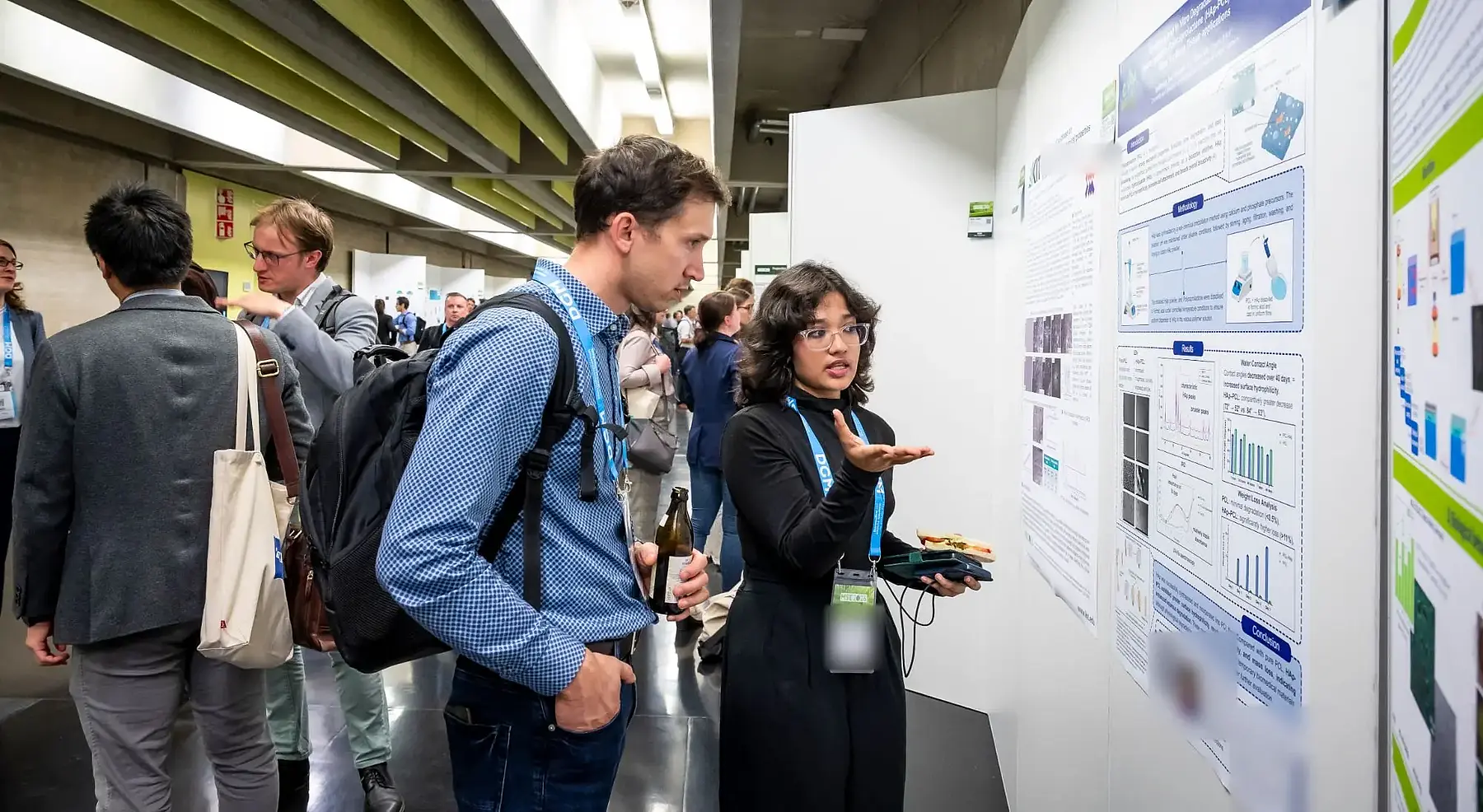
How would you like to display your posters?
How many posters do you expect, should they be shown in print, digitally or both, and is a poster award planned? On that basis, we plan the gallery, panels, poster areas and any voting with you.