Equipment and support for your conference

On-site and hybrid conference delivery

For your on-site or hybrid conference, we run the room technology, using our own equipment or the venue's. We bring checked presentations to the right room and coordinate check-in, live streaming, room teams and suppliers. That leaves you time for your guests.

A view of on-site or hybrid conference delivery
Presentations

Check, distribute and remotely start presentations

Speakers upload their final presentation directly to their contribution. An automatic slide check tests whether the slides display correctly on the presentation system in the room. Previews and notes on formatting, animations and embedded media help resolve open issues before the talk.

The files are then transferred automatically to the assigned room laptops. The room team or technical control starts the talk remotely, directly from the program, controls the slides and supports the speaker with the digital laser pointer. Speakers can begin right away, without time-consuming file changes on stage.

During breaks, the room team starts prepared slideshows that lead straight into the next presentation. If needed, technical control manages room displays and presentations centrally and supports the on-site team.

Explore room control and the session chair program

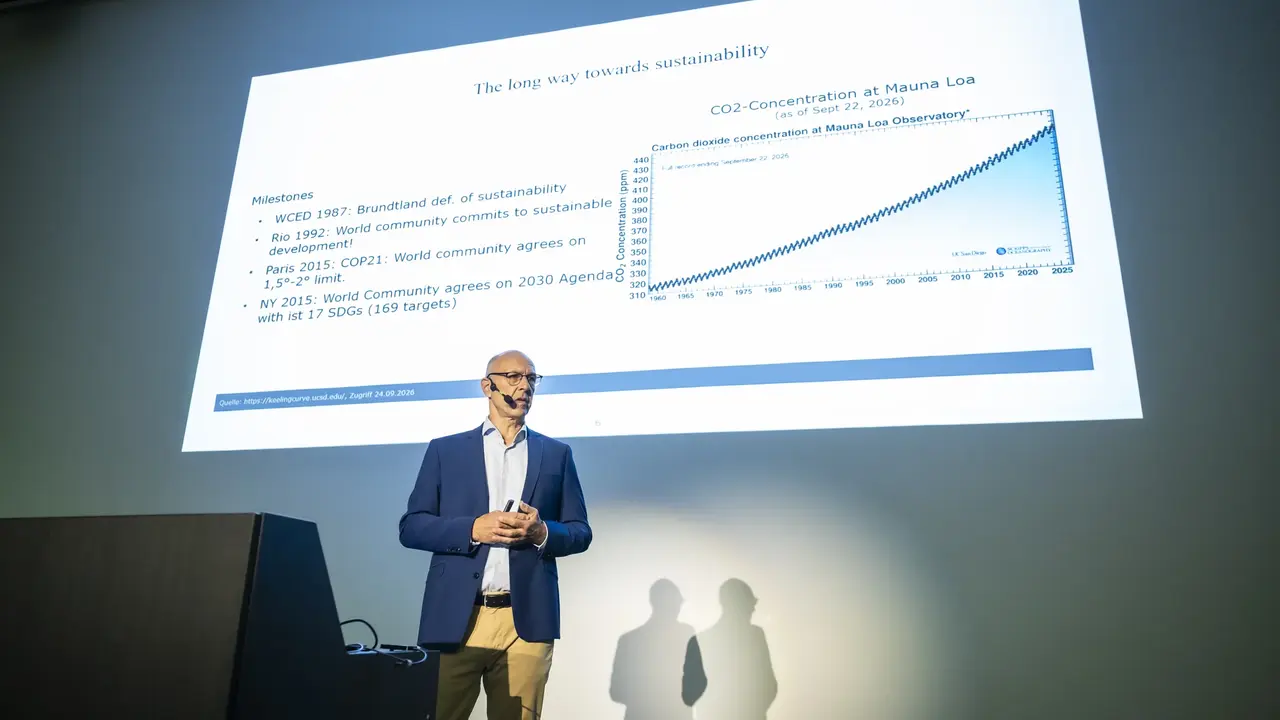
A scientific talk with a presentation on the MSE 2026 stage
Scientific program at MSE 2026
Final presentations

From upload to the screen

Example · fictional data
My contribution Alloy recycling Conference day 2 · 10:30 Room C Lea König Upload the final presentation by the day before
Vortrag_Koenig.pptx12 slides · With video Uploaded and assigned to the contribution

Speakers upload their final presentation directly to their contribution, which is already linked to its time slot and room.

An automatic slide check tests whether layout, animations and embedded media work with the equipment in the room.

The preview and check notes show what needs attention before the talk, such as a hidden slide.

The checked version is transferred automatically to the room laptop. The room team or technical control starts it directly from the program.

For the next talk, the right presentation starts automatically, with nothing to set up on stage. Speakers can begin right away.

Workflow example with fictional data. The photos are from MSE 2026. Deadlines, checks and room control are set up for your conference. The slide check helps with preparation but does not replace the speakers’ own review.

Room equipment

Room equipment, displays and announcements

We match projection, microphones, sound and lighting to the rooms and program and, by arrangement, include equipment the venue already has, such as projectors, screens or a PA system. Special requirements, for example several microphones for a panel discussion, are clarified in advance. On the conference day, our team coordinates speakers, technical control and room technology. Information panels on stage show the current session with its details, and the lighting follows the agreed stage schedule.

Automatic slideshows show the program, upcoming sessions, highlights, travel information, exhibitors and plenary talks, and each room display and information screen shows the content intended for it.

In break and exhibition areas, prepared audio announcements alert participants to the next sessions. We agree on the content, loudspeakers and times with you and the venue.

Explore displays and slideshows with real slide examples

Learn more about remote start and the session chair program

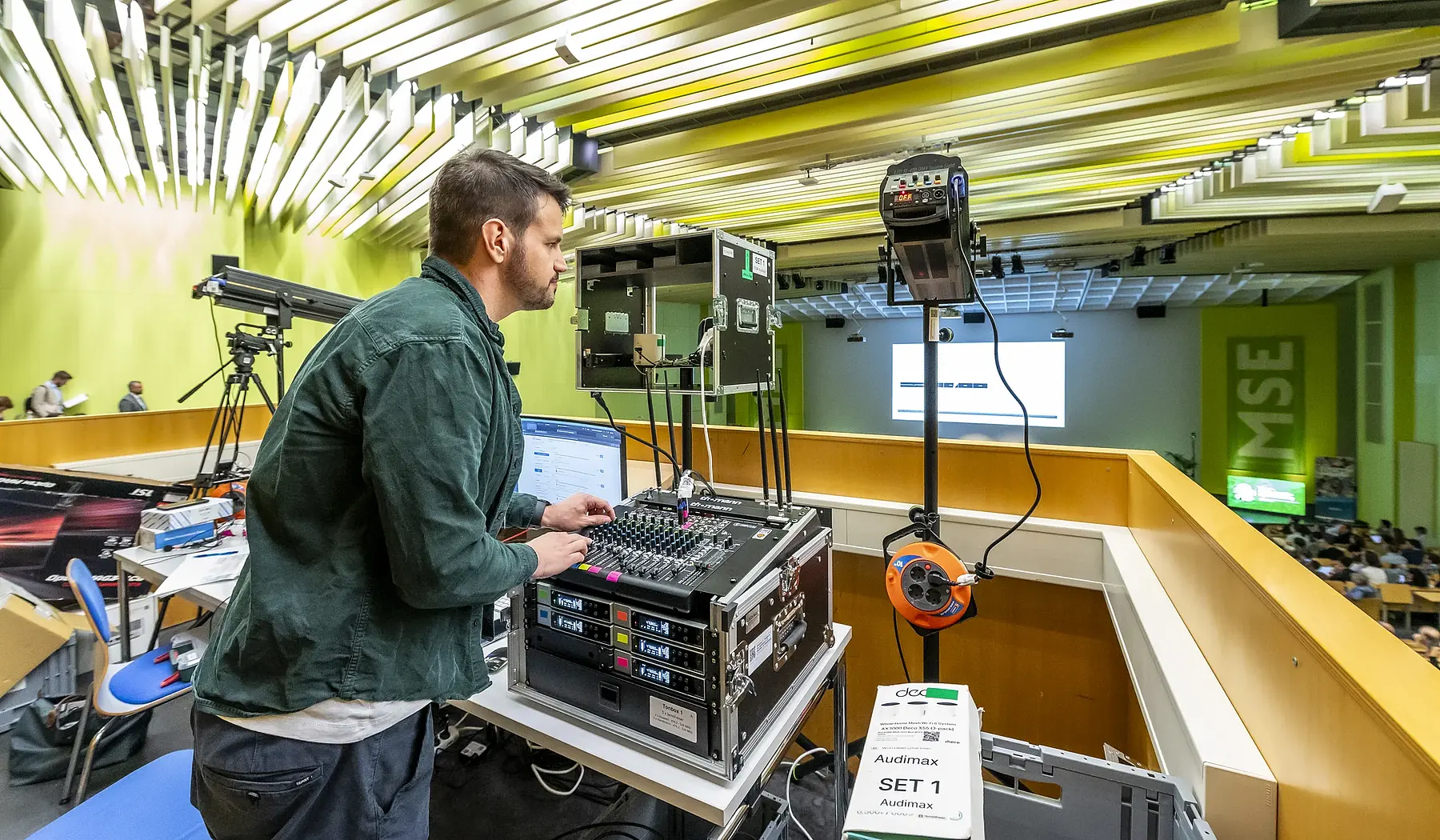
An audio technician manages the mixing desk and wireless microphones in the conference room
Audio support at MSE 2026
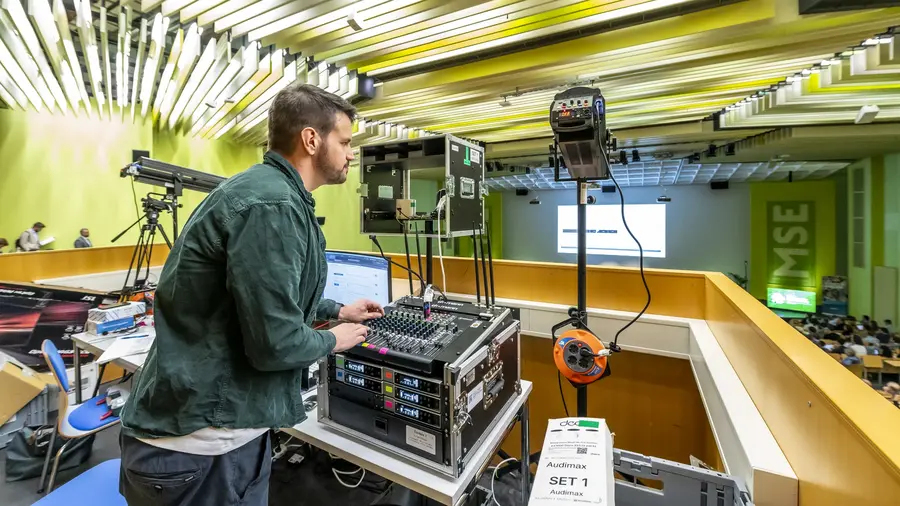
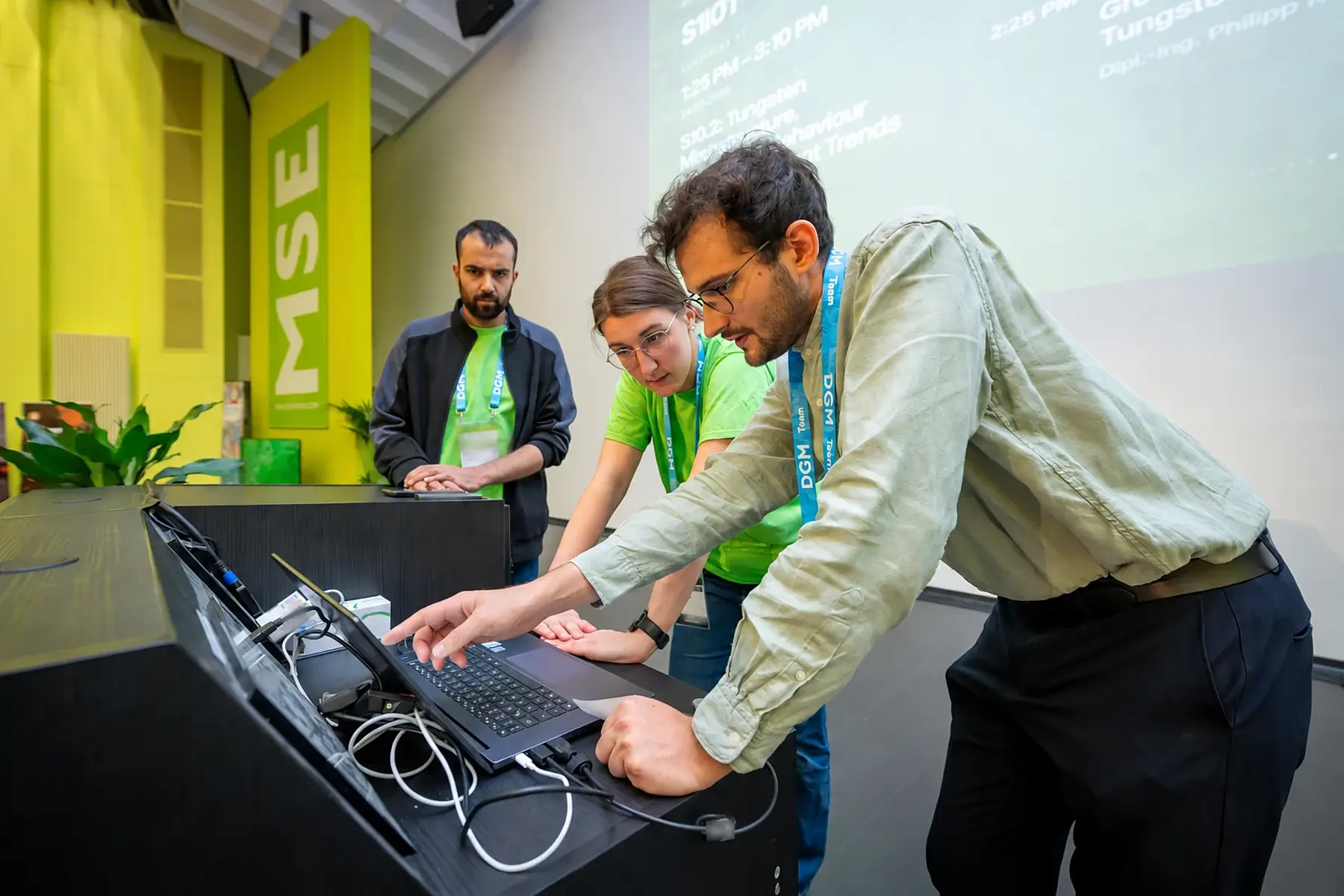
A technician with a control computer, mixing desk and camera equipment in the lecture hall
Computer and room technology at MSE 2026
Room signs

E-paper signs at room entrances

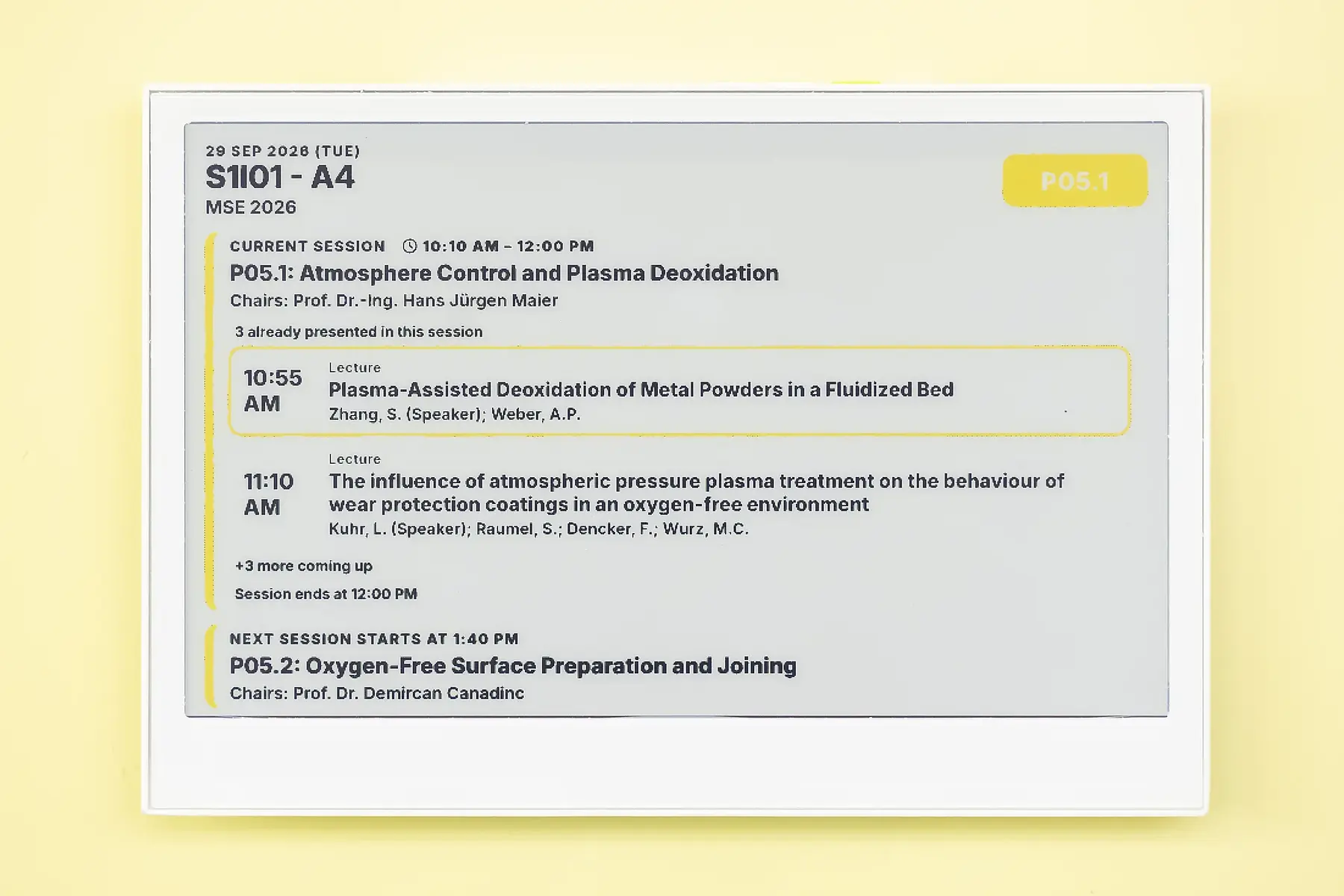
E-paper room signs show the room, current session and upcoming program items. Speakers, session chairs and the next session's start time are visible at the entrance.

We plan locations and prepare displays to suit your conference program. Room signs complement information on room displays and in the web app.

E-paper door display with the room, current session, talks and next session
E-paper door display at MSE 2026
Technology · Room team · Production

Our services on the conference day

Before the conference, we prepare the program, room teams and session chairs, set up the technology and check the final presentation files. During the program, we start presentations from technical control, look after sound, lighting and live streams, and support check-in, posters and the industry exhibition. After the conference, we provide approved recordings and hand over the agreed documentation to you.

The MSE 2026 room team prepares a talk together
Talk preparation with the room team at MSE 2026
01Planning and checks

Before the conference

Prepare the program, room team and session chairs

We coordinate room allocation, breaks, discussions and transitions with you and the speakers and clarify responsibilities and technical requirements in advance. This includes whether your team or our staff look after the lecture rooms and how many volunteers are planned for each room.

Room teams receive their tasks and instructions in the team app, and session chairs get their program with contributions, speakers, abstracts and timetable.

Deliver, set up and test technology

We plan equipment to suit the rooms and program, deliver preconfigured technology and set up presentation laptops, projection, audio, lighting, streaming and control desks.

Before doors open, we test connections, microphones, media and handovers. Speakers and room teams get a briefing if needed.

Check final presentations in advance

Speakers upload their final file to their contribution. An automatic slide check tests whether formatting, animations, transitions and embedded video or audio work in the room.

Previews and check notes show what to fix before the talk.
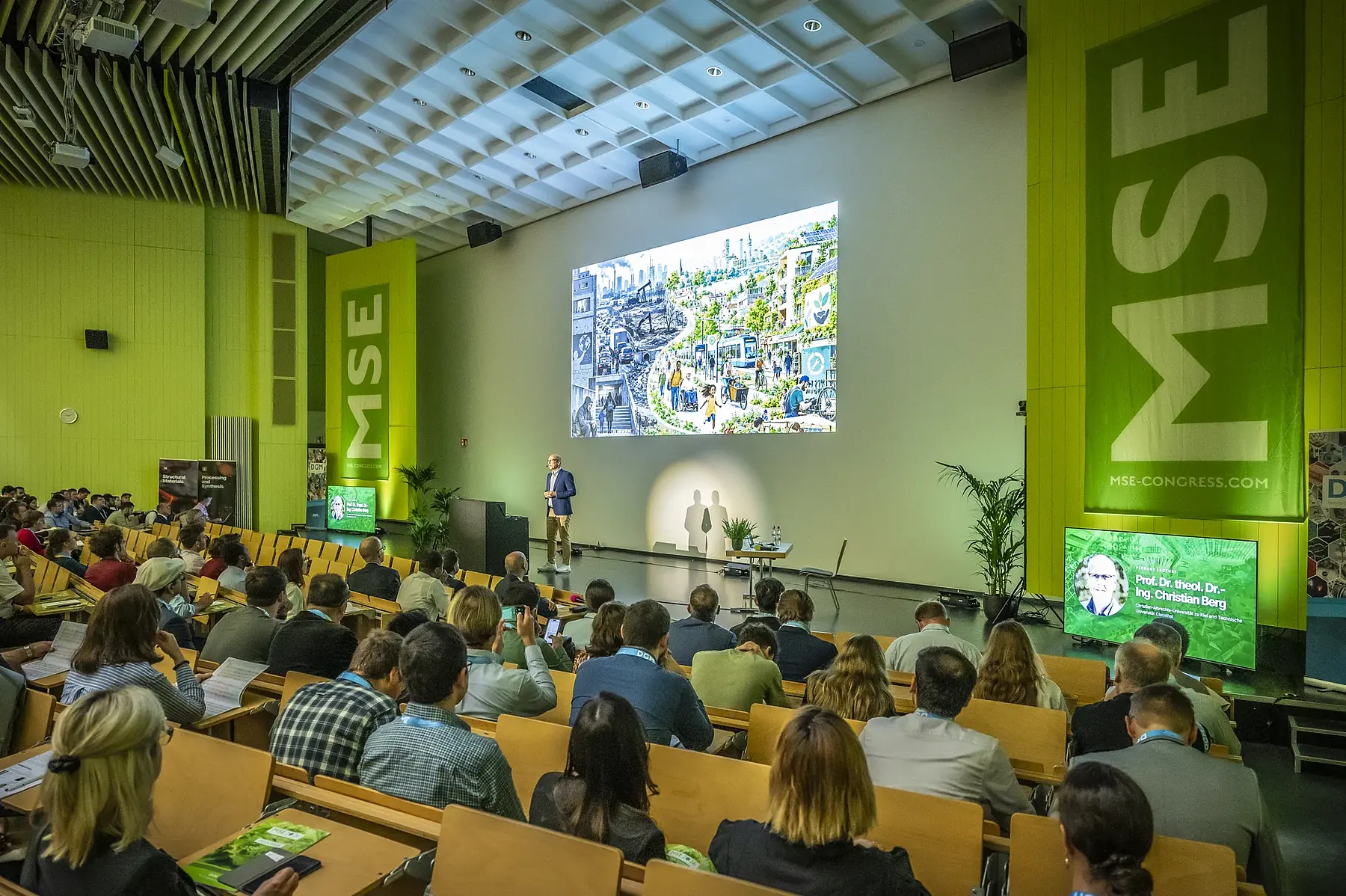
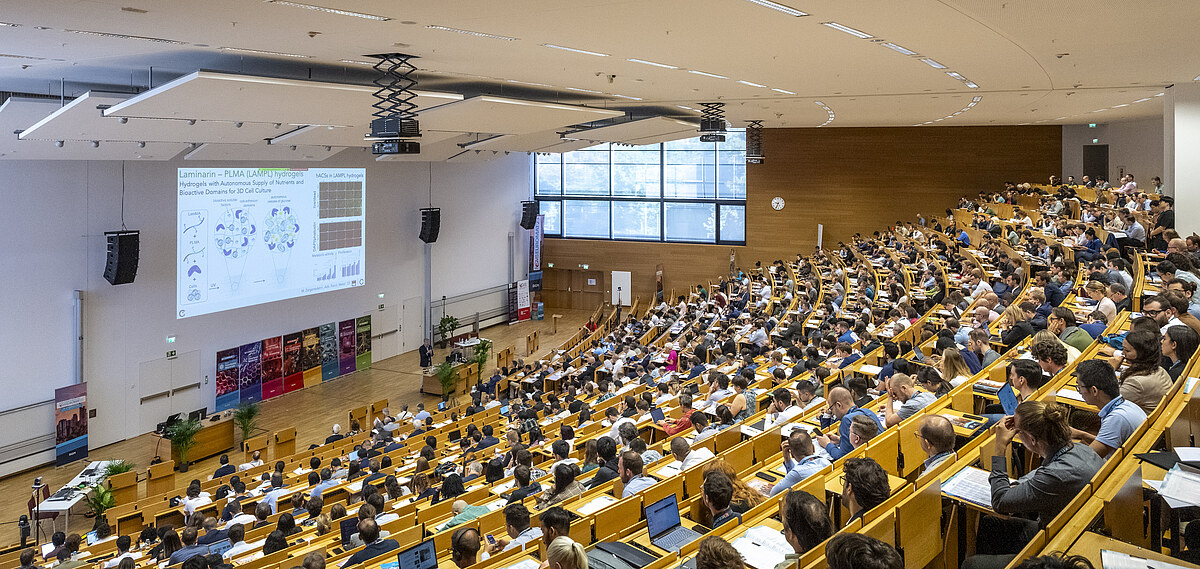
Talk and audience in the MSE 2026 auditorium with projection and stage displays
Scientific program and room technology at MSE 2026
02Room operations and production control

During the program

Auto-distribute presentations and start them remotely

The final file is automatically transferred and synced to the assigned room laptop. The room team or technical control starts the talk from the program and controls the slides remotely.

The digital laser pointer supports the talk, and the break slideshow leads straight into it. The file is already open when the talk starts, with no lengthy file switching.

Support audio, lighting and parallel livestreams

Our team handles microphones, projection, stage lighting and the online stream. We can also stream several rooms at once. In technical control, we combine the camera feed, presentation and audio.

Info panels on stage show session and talk details. We manage requests to speak in the room and online and coordinate the agreed recordings.

Show the program and wayfinding

Automatic slideshows show the program, upcoming sessions, highlights, travel information, exhibitors or plenary talks. E-paper displays inform guests right at the room entrance. Room and building maps are in the web app.

In break and exhibition areas, prepared audio announcements call out the next sessions. We agree on content, locations and times with you and the venue.

Support arrivals, posters and the exhibition

Depending on what we agree, our team or your own staff look after reception and self check-in, and on request we also run the cloakroom. With their personal code, participants collect their name badge and booked vouchers.

Alongside the talks, we support digital and printed posters, exhibitor profiles and, if you enable it, poster voting. In the web app, participants find their favorites, the “My day” view, reminders and room maps.

Coordinate the control room, suppliers and tech support

The technical control room monitors rooms, devices, presentations and broadcast signals and supports room teams remotely. Depending on the assignment, we work with your team or our own specialists. Dedicated contacts coordinate with the venue, caterer and other service providers.

A dedicated email inbox collects inquiries. We keep agreed backup equipment ready and respond to disruptions. If online participants have trouble joining or with the stream, we also help by phone.
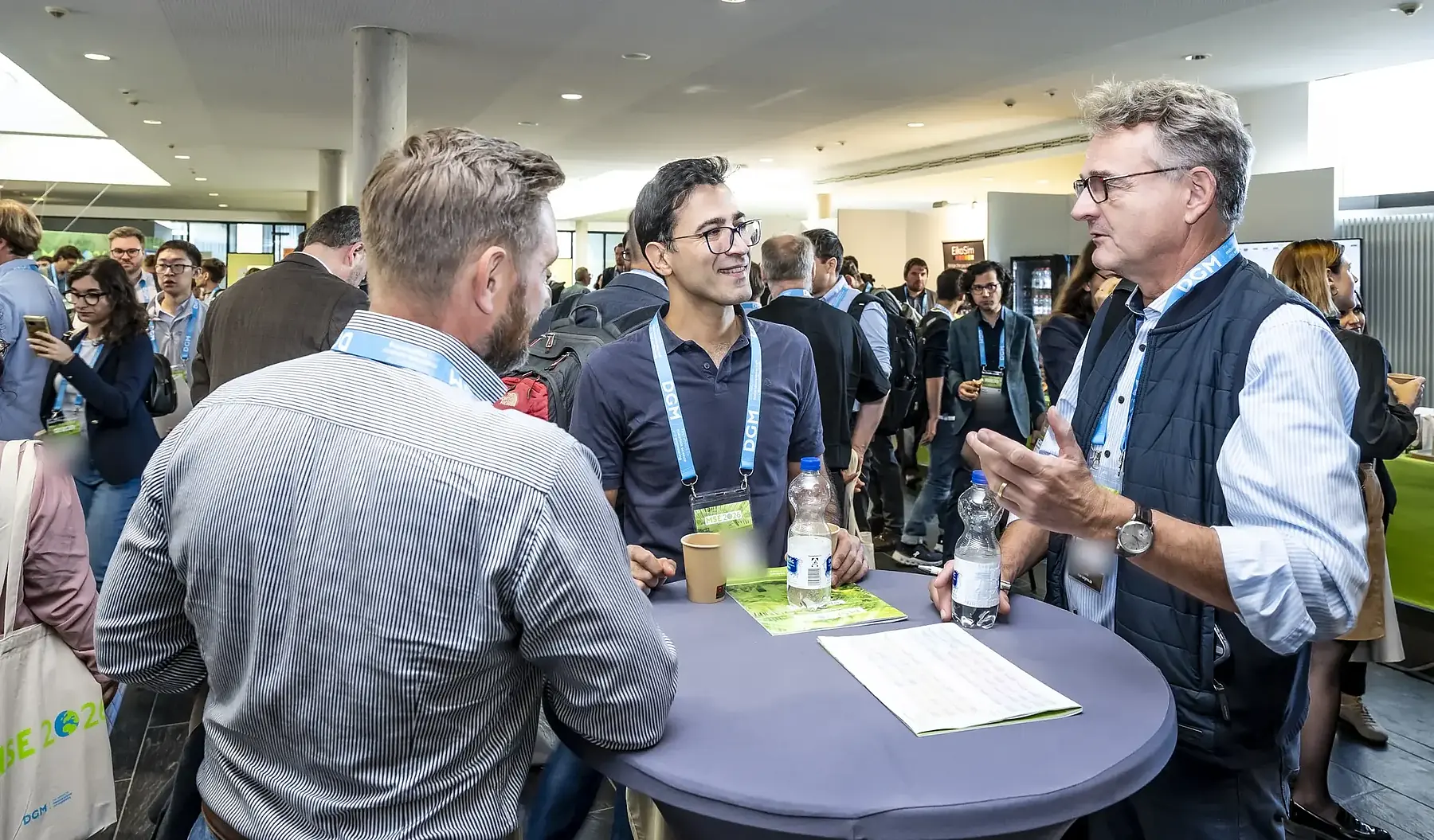
Participants talking at a scientific conference
Scientific discussion beyond the talk
03Media and handover

After the conference

Provide recordings and dismantle technology

We edit the agreed recordings. We publish approved talks as on-demand content or hand the media over to you in an organized form. Participants follow up with their own notes and saved contributions.

Our team dismantles the technology and hands over open items and the agreed documentation to you.
Related services

Related conference delivery services

We plan check-in, streaming and catering individually. On the event day, the on-site team coordinates everything together.

Check-in and support

Handle self check-in, name badges, vouchers and the cloakroom at reception.
More about check-in Check-in and support

Streaming and on demand

Stream parallel rooms live and provide approved recordings.
More about live streaming Streaming and on demand

Catering and refreshments

Plan catering, dietary requirements and serving with the caterer and venue.
More about catering Catering and refreshments
Next step

What would you like us to handle on the event day?

Tell us about your rooms, program items and existing equipment, as well as your own staff and the suppliers you already work with.

Discuss delivery

Send us your inquiry about rooms, technology and staffing.
Send inquiry Discuss delivery