
Submit and review abstracts
From the call for papers to the final presentation, authors submit their research in their personal portal. Your team tracks topics, files and deadlines and prepares contributions for reviewing and program planning. We set up the workflow to suit your conference and provide ongoing support.
For scientific conferencesTalks · Posters · Other contribution formats

Abstract · Authors · Files
The abstract submission process
From the first draft to publication, each submission remains the same contribution. The abstract, contributors and files stay linked. The interactive example shows who acts at each stage.
From the call for papers to the program
Set up the form and deadlines
We set up topics, contribution types and required information with your team. Deadlines and uploads are part of the same configuration.
Topics, forms and deadlines are set for your conference.
Authors check their details and submit the complete contribution.
The responsible program committee makes the scientific decision.
Once published, contributions appear in the program and web app.
Feature example with fictional data. It sends no messages and changes no submissions.
Upload presentations and check them automatically
Speakers upload their final presentation through the designated submission process. Deadlines and accepted file formats depend on your event.
The automatic slide check creates previews and flags embedded media, animations and other content that needs checking. This allows outstanding issues to be resolved before the talk. Manual checks remain available where needed.
The file is linked to its contribution and room and can be prepared for the presentation computer. Room staff work with the latest approved file version.
From upload to the screen
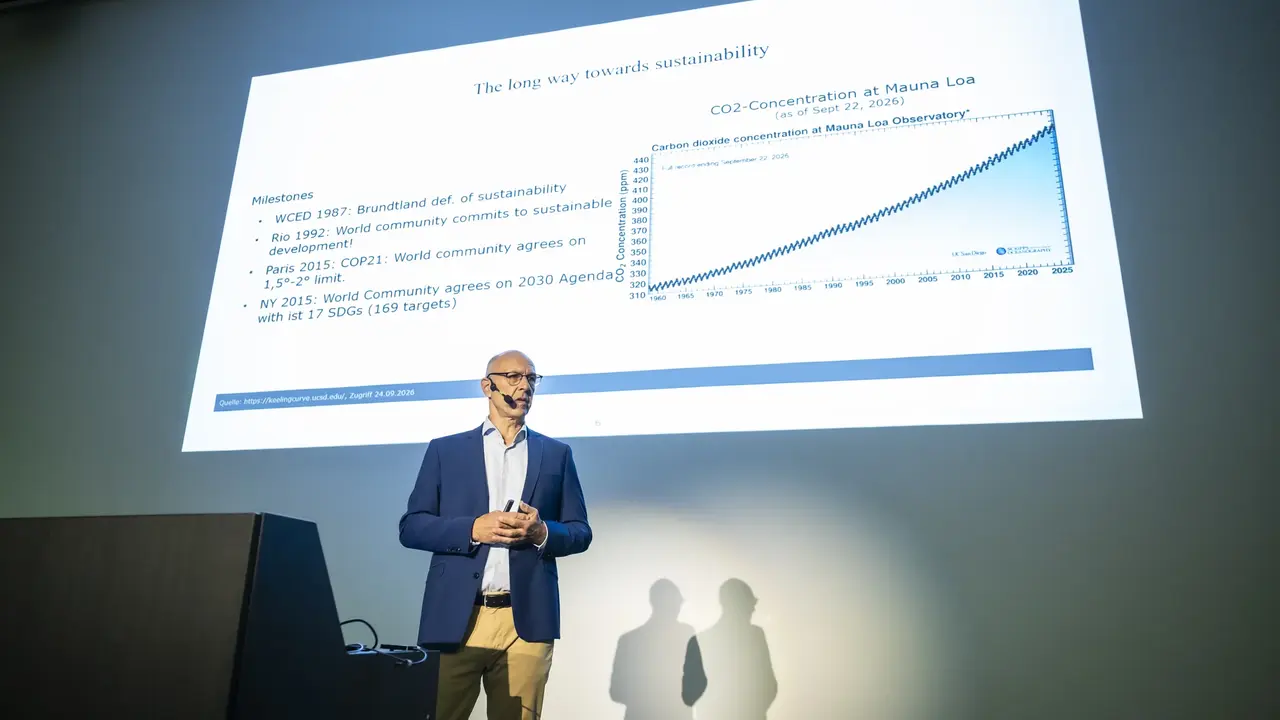
Speakers upload their final presentation directly to their own contribution. The time and room are already linked.
The automatic slide check checks display, animations and embedded media for the room’s presentation system.
The preview and check notes show what needs attention before the talk, such as a hidden slide.
The checked version is automatically available on the room laptop. Room control starts it from the program.
The presentation switches and starts automatically for the next talk, without adjustments on stage. Speakers can begin immediately.
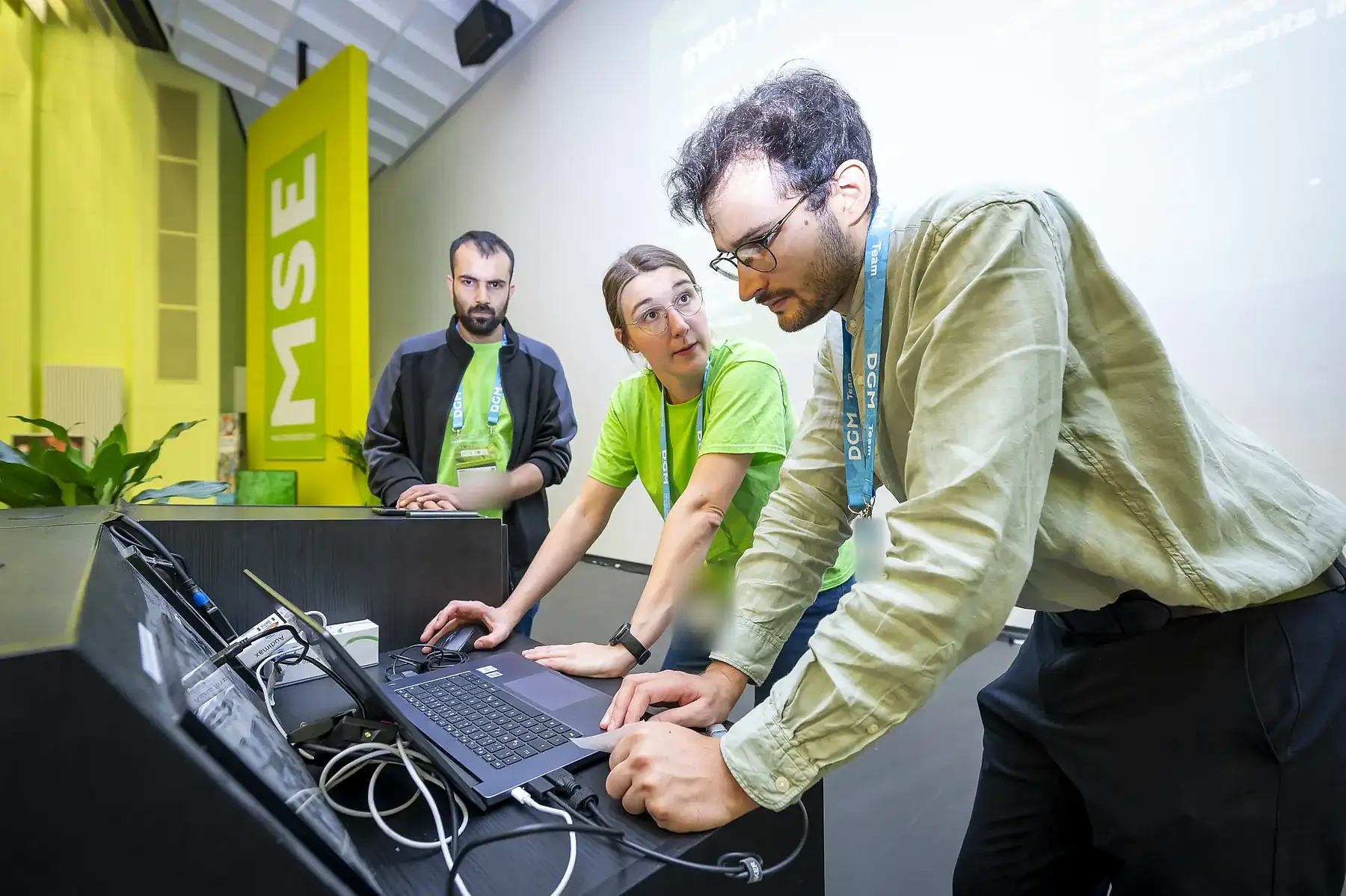
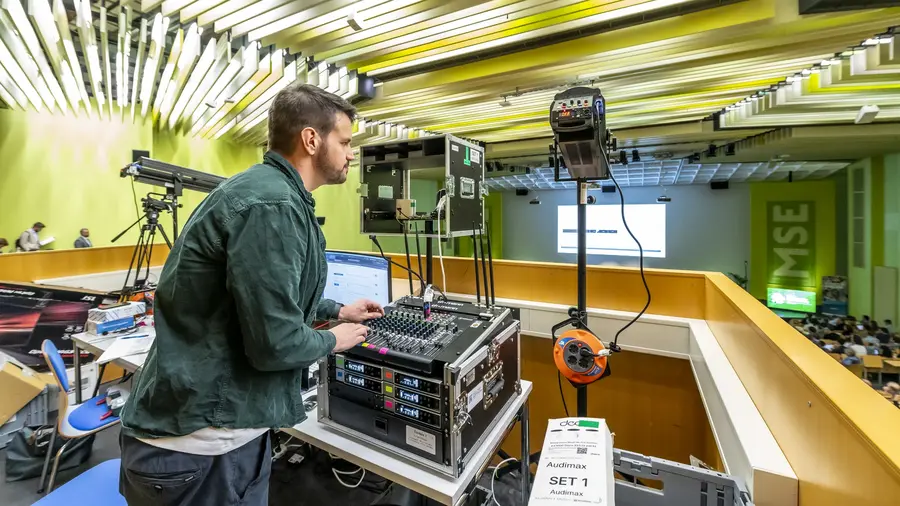
Workflow example with fictional data; the photos are from MSE 2026. Deadlines, checks and room control are set up for your conference. The slide check supports preparation; speakers still need to check their presentation themselves.
Forms and rules for your call for papers
You define which contributions can be submitted and the information you need. We implement these requirements in the portal and test the process before the call opens.
- Contribution types
Talks, posters and other formats receive their own names and descriptions. The permitted types are selected for each submission configuration.
- Topics and paper pools
Submitters choose from the approved topic areas. Hierarchical sessions and paper pools reflect the structure of your scientific program.
- Additional questions
Add text fields and yes/no questions, for example about the contribution type or required declarations. Labels, help text and required fields are defined in advance.
- German and English text
Form labels, instructions and topic descriptions can be stored in both languages. Submitters see the appropriate text in their selected language.
- Files by contribution type
Request an abstract PDF, poster image, manuscript, video or supporting documents as needed. Accepted formats, upload mode and deadlines depend on the configuration.
- Participation and limits
Ask whether speakers wish to present online, or set up a submission route exclusively for online presentations. You can also limit the number of contributions submitted per person.
Prepare and submit contributions in your own portal
Submitters see their own contributions, progress and outstanding steps in the secure portal. A saved draft becomes a submission only when it is explicitly submitted.
- Abstracts with scientific formulas
The editor supports formatted text, lists and LaTeX expressions with a preview. Mathematical formulas and scientific notation can appear directly in the abstract.
- Authors and institutions
Record contributors with their institution, department, city and country. Speakers are explicitly marked, and the author order can be changed.
- Files for each contribution
The requested uploads appear alongside each contribution. File format and size limits are checked. Posters, manuscripts and other documents can be added by their configured deadlines.
- Submission checks
Required contributor and speaker details are checked before submission. Authors can review their abstract and files in the preview provided.

Track your contributions and their status
Authors find their contributions, titles, contributors and associated events in their personal account. The submission status shows which contributions have been submitted. Each entry opens the editor within the applicable deadlines.

Separate deadlines for submissions, edits and uploads
Abstract submission, contributor details and final files do not have to share the same deadline. Individual time windows control which steps are still available in the portal.
01 / Submit
Open and close the call
The submission start and end dates are defined for each configuration.
02 / Add details
Abstract and authors
Changes after submission are possible only within the approved time windows.
03 / Upload files
Upload documents
Separate file deadlines cover posters, manuscripts and other uploads.
04 / Prepare
Final presentation
The deadline can be a fixed date or an interval before the speaker's own talk.
Which messages are sent?
When a template is configured, submitters receive a submission confirmation. Enabled reminders flag drafts that have not been submitted or missing final presentations. Content and sending rules are agreed for your event.
Can a submitted contribution be changed?
Abstract text and author details have separate editing deadlines. Withdrawal can also be allowed until the configured deadline. Published or already withdrawn contributions have further restrictions.
How are questions resolved?
If direct communication is enabled, authors see queries from reviewers and can reply alongside the contribution. Feedback on a file remains attached to the relevant document.
Who tracks progress?
Your organizing team uses contribution lists, filters, statuses and assignments. Our support team helps with outstanding tasks, technical questions and preparation for the next stage.
Reviews, questions and decisions alongside each contribution
Your program organizers make the scientific decisions. The platform supports them with assigned reviewers, assessments, comments and traceable communication.
- Assign reviewers
Review configurations limit the workspace to selected topics, contribution types and files. Guidelines and deadlines are stored for each review round.
- Assessments and file feedback
General assessments and comments can be combined with a separate file review. Queries, revision requests and replies stay with the contribution.
- Anonymity according to your requirements
Configurable rules control reviewer visibility in comments and messages. We agree with you who should be visible in each workspace.
- Decisions and changes
The responsible people decide whether to accept, reject or request revisions. Changes to contribution types or paper pools are possible with the appropriate authorization and are documented.
Add accepted contributions to the program
The program team assigns the session, order, time and room. The abstract, authors and files stay linked to the contribution and can appear in approved event areas.
- Plan sessions and times
Contributions can be added to the program and moved within a session. Stored times are updated accordingly when the order changes.
- Web app and digital posters
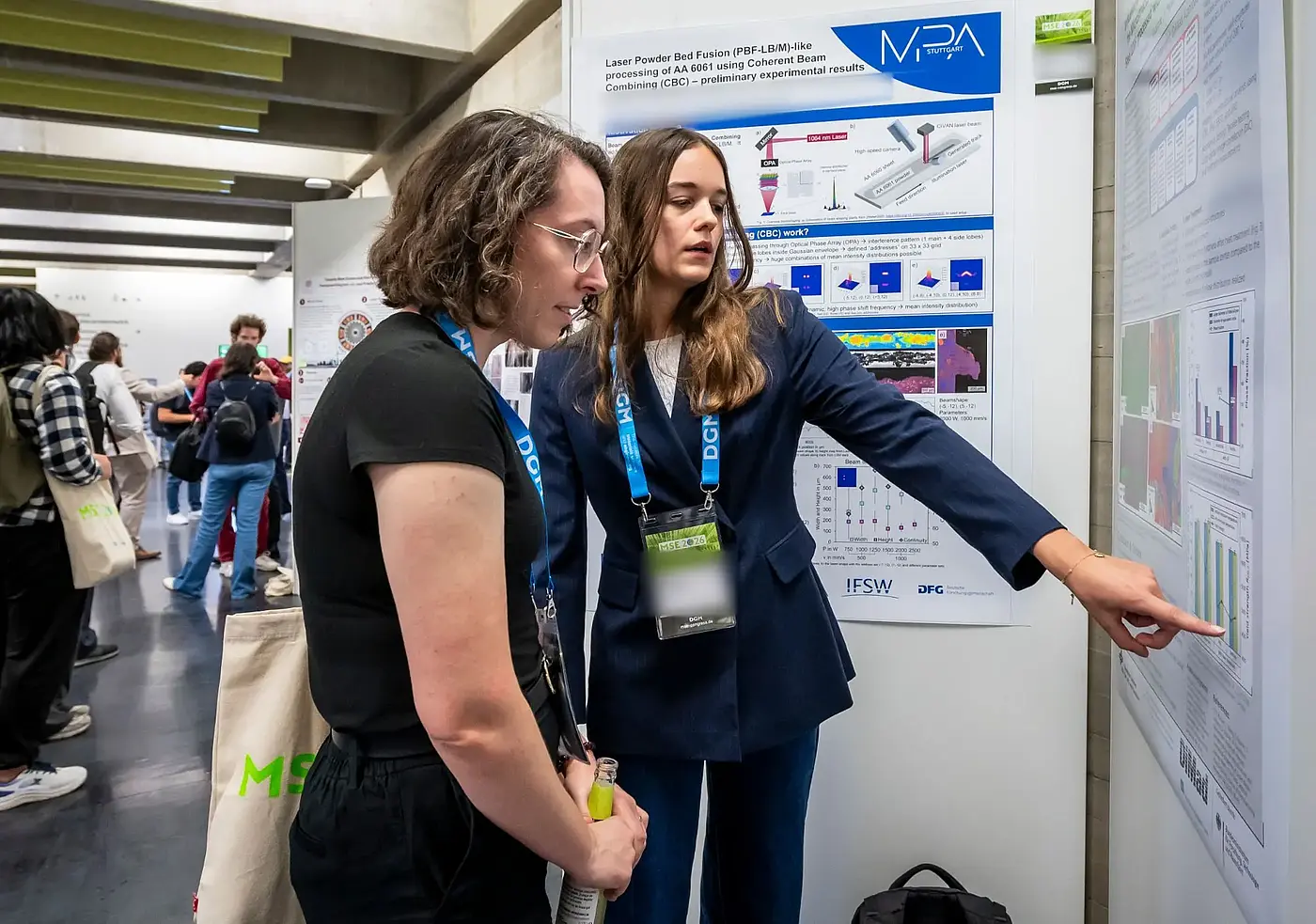
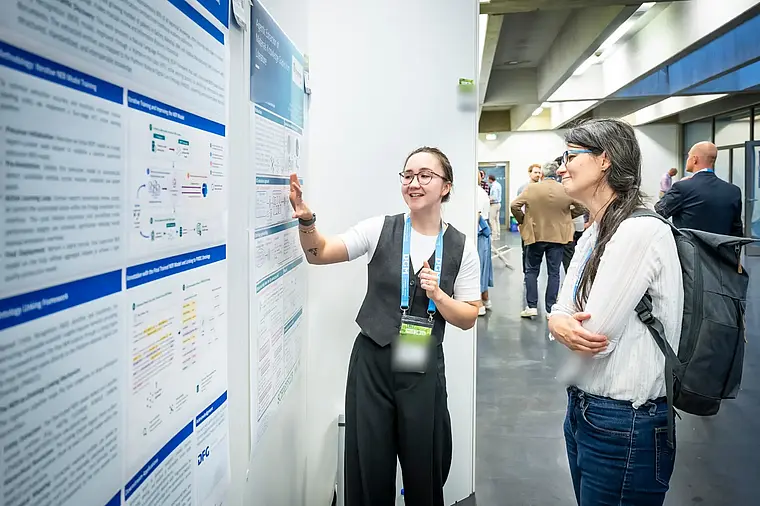
Approved contributions are available in the digital program. Poster files can be shown in the poster hall and on designated panels; publication and access rules are defined separately.
- Export contribution data
Select the fields and files you need for handover. Abstract collections and conference documents can be generated using the configured print layouts.
- Prepare for the talk
The final presentation stays with the contribution. The slide check and presentation system preparation continue within the same process.