Self-service for members and participants
Members and participants update their own details, view their memberships and find invoices and documents through their personal access. The association office works with the same contact database.
We set up the portal for your organization. The functions visible depend on each person's roles and the processes made available to them.

One place to access your own records
The interactive example shows personal details, a membership, invoices and committee access. These views use fictional data; no changes or payments are carried out here.
The personal portal
Update your own details. Administration retains the shared contact records.
My profile
Profile details and required supporting documents belong to your account.
Active and previous memberships are available with their documents.
Billing details and payment status remain traceable.
Committee access depends on affiliation and the authorized role.
A look inside the personal customer portal
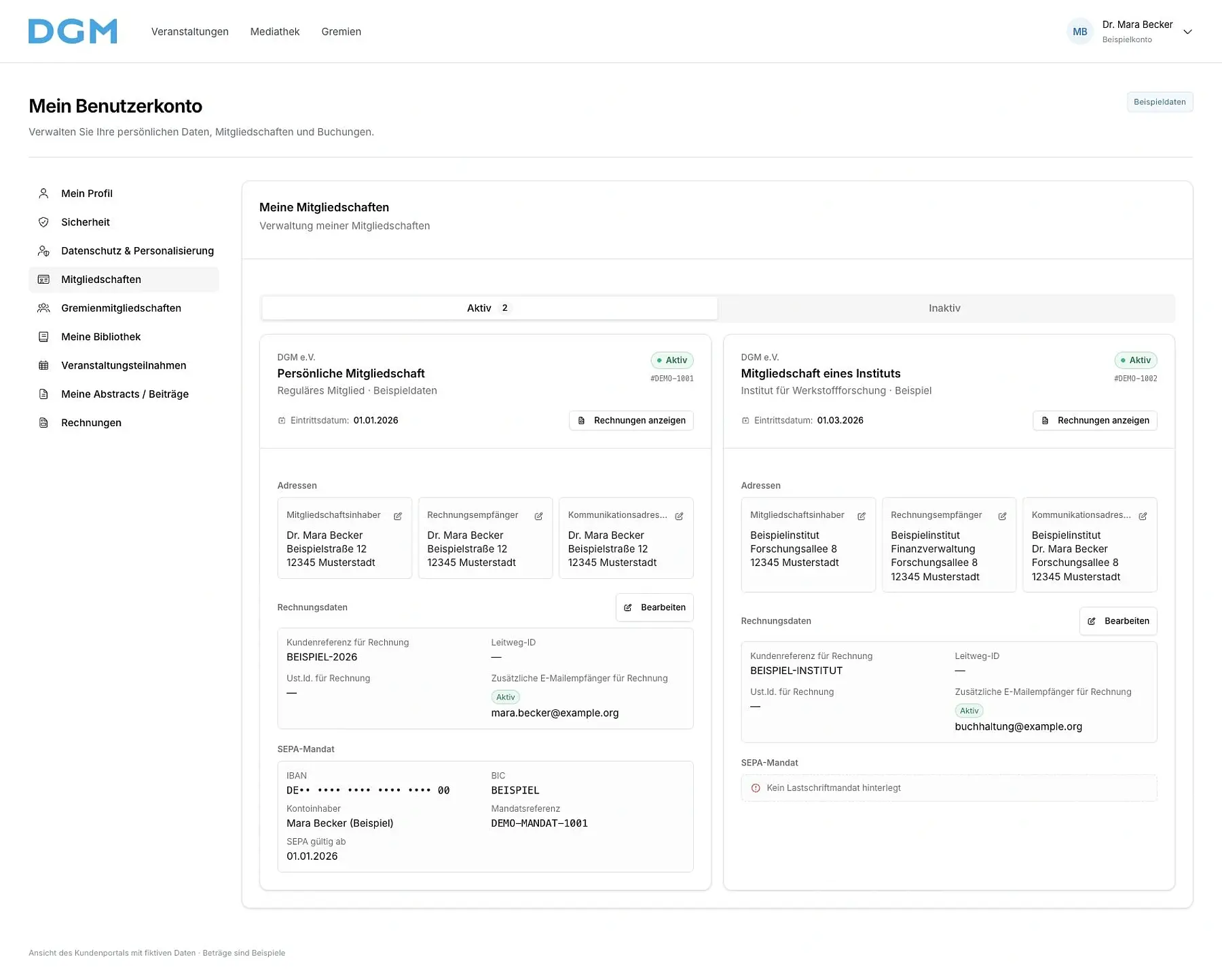
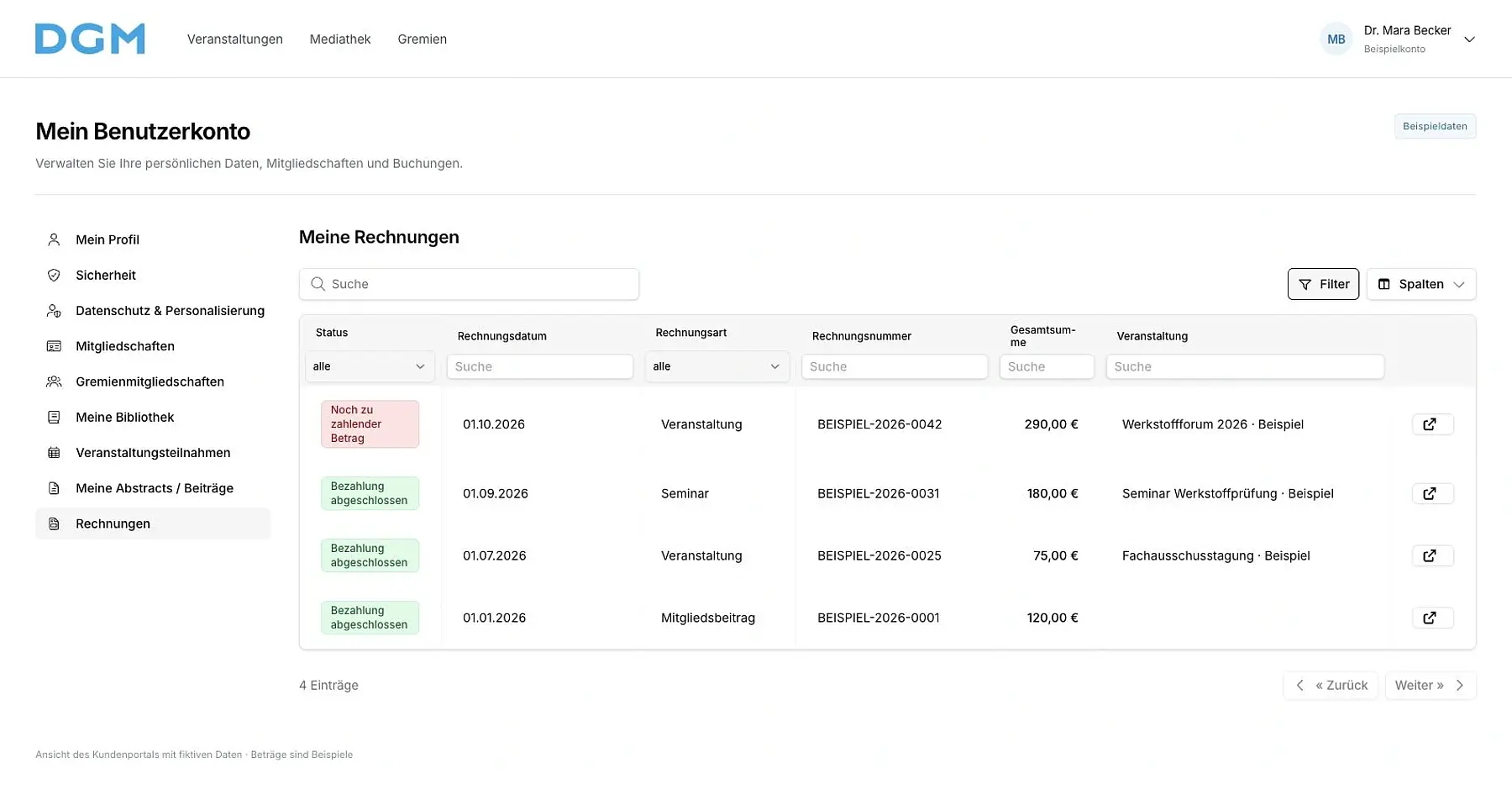
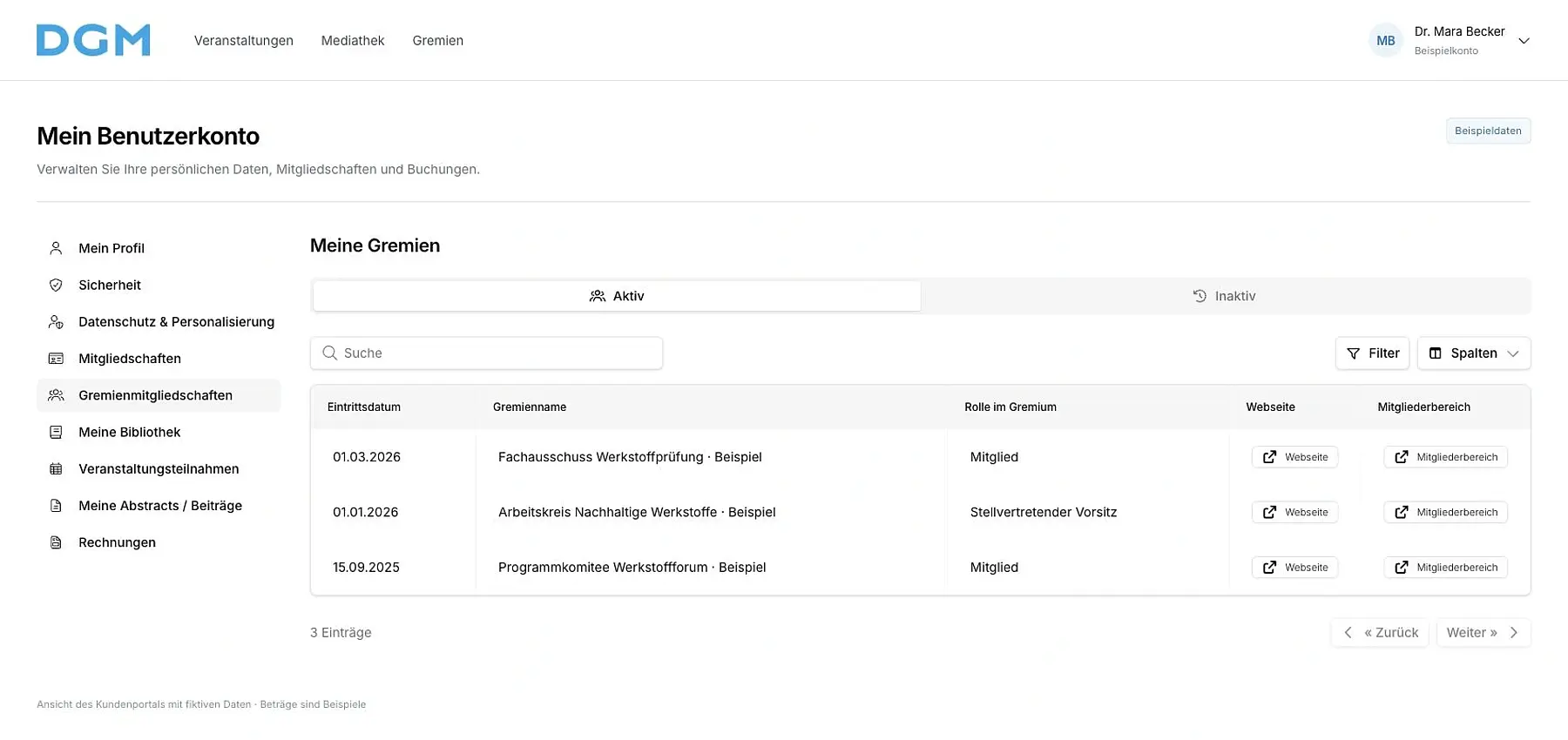
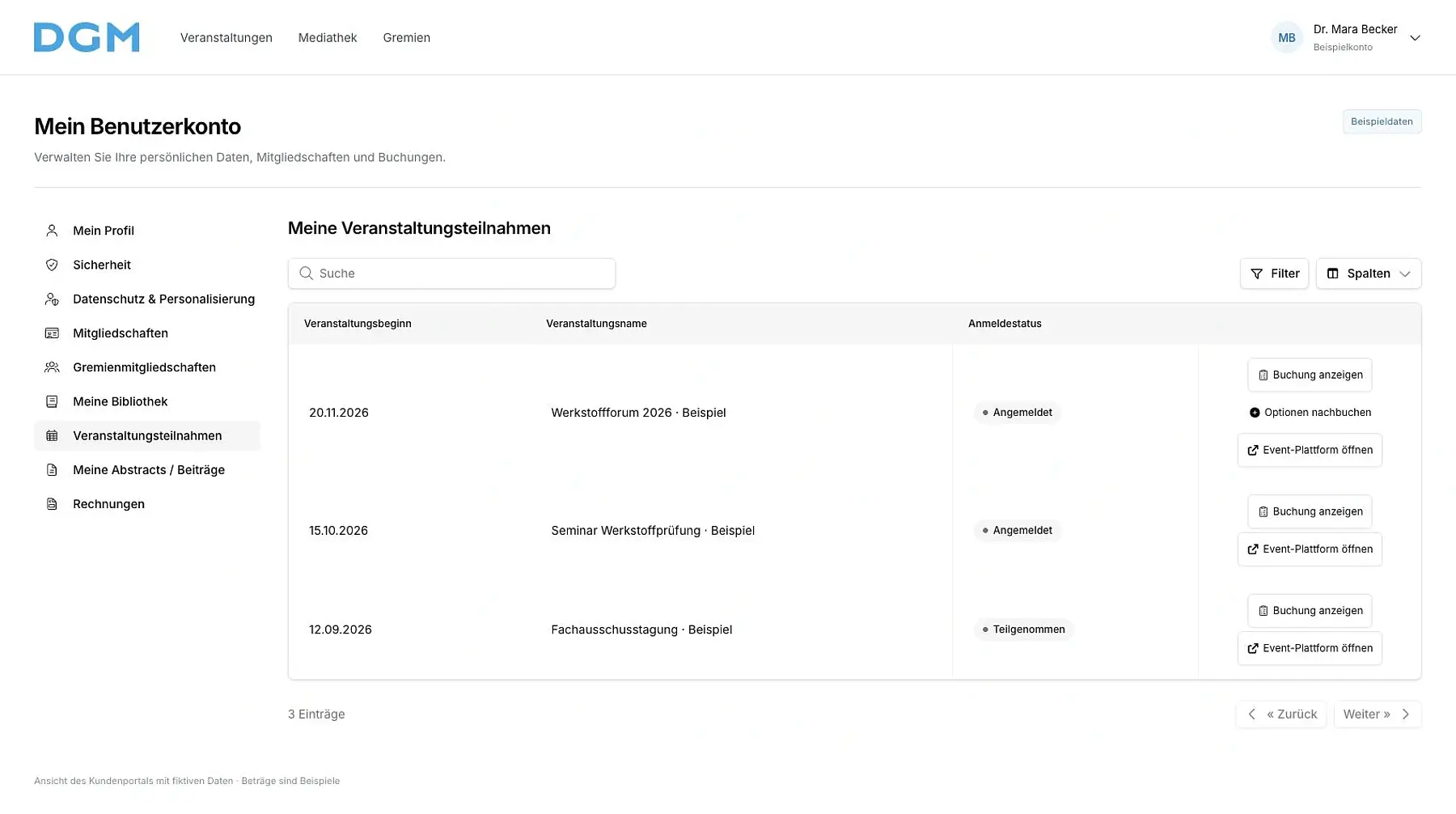
In their personal accounts, members and participants find their memberships, invoices, committees, booked events and own contributions. The views show the interface with fictional example data. Each image can be enlarged.
 Enlarge view
 Enlarge view
 Enlarge view
 Enlarge view
 Enlarge view
Update your own personal details
- Contact details and profile
Members and participants update the profile fields available to them, add academic titles and a profile photo, and maintain their affiliations with companies or institutes.
- Proof of status
Required documents, such as proof of student status, are submitted through the configured account functions. The association office checks the details and decides on the relevant special status.
- Personal settings
Security and privacy settings are accessible in the personal account. Visibility and permissions are defined for your organization.
View memberships, invoices and bookings
- Memberships
Active and previous memberships remain accessible with their status and membership period. A new membership can be requested through an available application link.
- Invoices and payments
Your invoices are listed with date, number, amount and payment status. Available invoice and payment links lead to the relevant documents and configured payment methods.
- Event participation
Booked participation and related documents are collected in the account. Available additional services can be added through the corresponding booking.
Committee work and other tasks in the portal
- Committees and specialist committees
Members access the committees available to them, with meetings, discussions and document collections. Roles and committee membership determine access.
- Submissions and reviewing
Submitters and reviewers access the contributions and tasks assigned to them. Deadlines, feedback and available editing steps are part of each workflow.
- Exhibitors and honorarium agreements
Exhibitors add information in the fields available for their appearance. Contracting partners review their own honorarium agreements, complete required details and sign through their personal contract access.
Set up the portal for your organization
We discuss which tasks members and participants should complete themselves and which remain with your association office. We then configure access, roles, supporting documents and the required portal functions, and support your team during introduction.